BROWSER ROADMAP
Find your next step.
Free
Organize the startup journey without an account. Your roadmap stays in this browser, with portable JSON export and create-new import.
Open the Roadmap ↗ OrthoTruss™
ORTHOTRUSS PRACTICE PIONEER · VERSION 2.0
For general dentists and dental specialists: start with the Windows planner, or use Location Scout on its own to compare markets.
FROM FIRST IDEA TO OPENING DAY
Use a simple roadmap, focus on a location, or build the complete practice plan.
BROWSER ROADMAP
Free
Organize the startup journey without an account. Your roadmap stays in this browser, with portable JSON export and create-new import.
Open the Roadmap ↗LOCATION SCOUT
$150 / 60 days
Research markets, save searches, and build a sourced shortlist in your web account. Applicable tax is added at checkout.
Explore Location Scout ↗PIONEER FOR WINDOWS
Free + Pro
Connect location research, financial modeling, operations, and launch planning in a local workspace. Pro is $100/month or $1,000/year, plus tax.
Compare Free & Pro ↗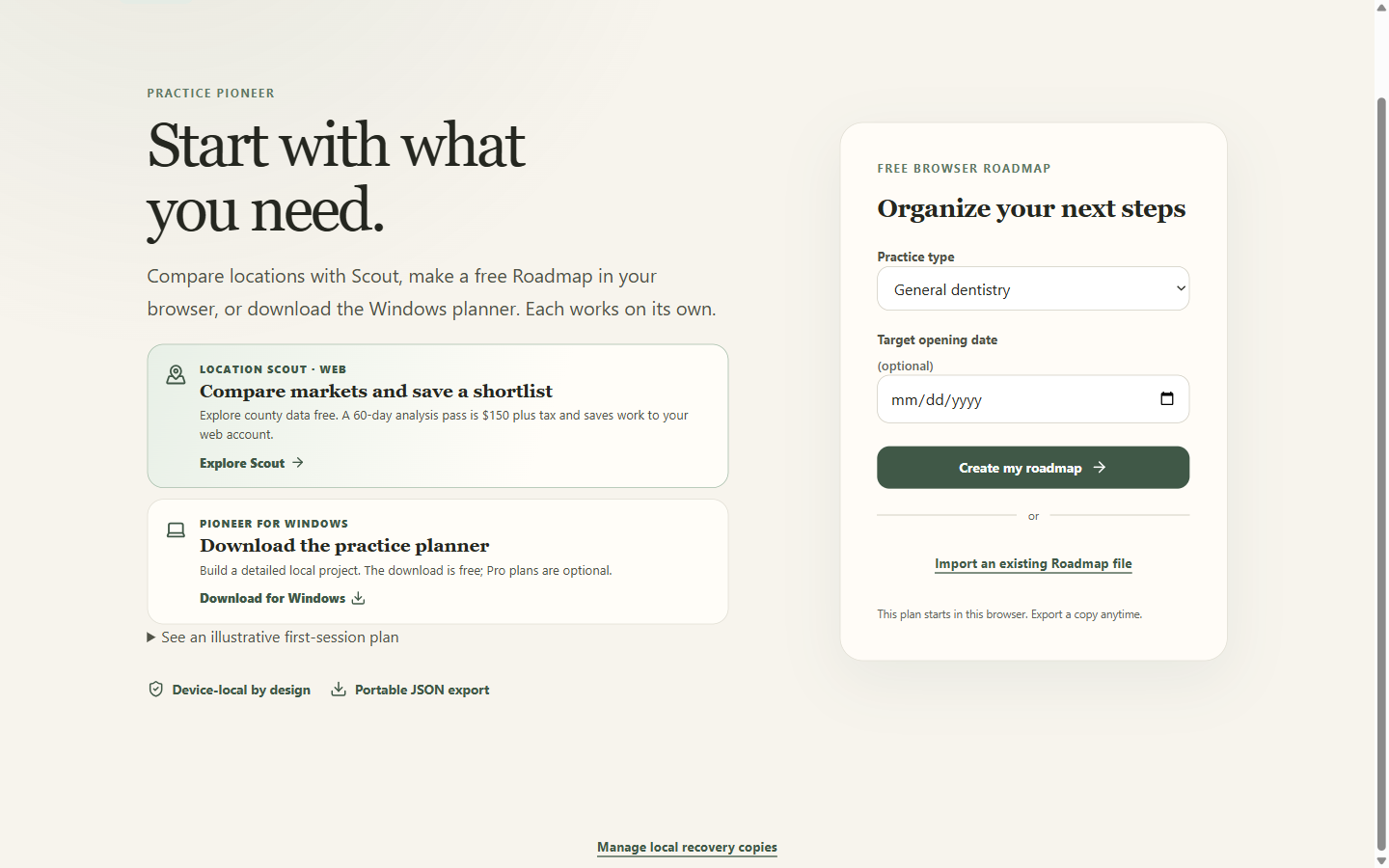
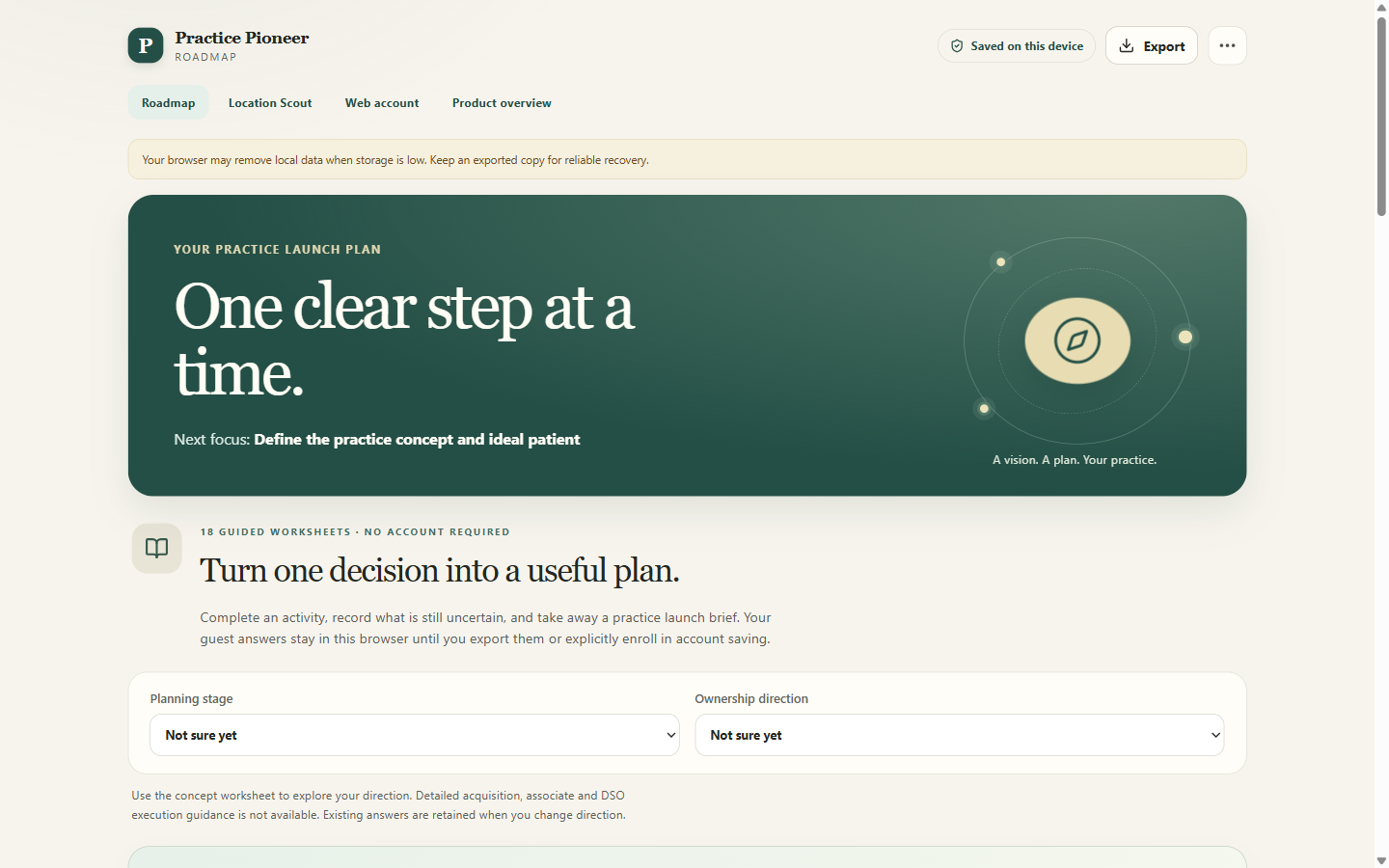
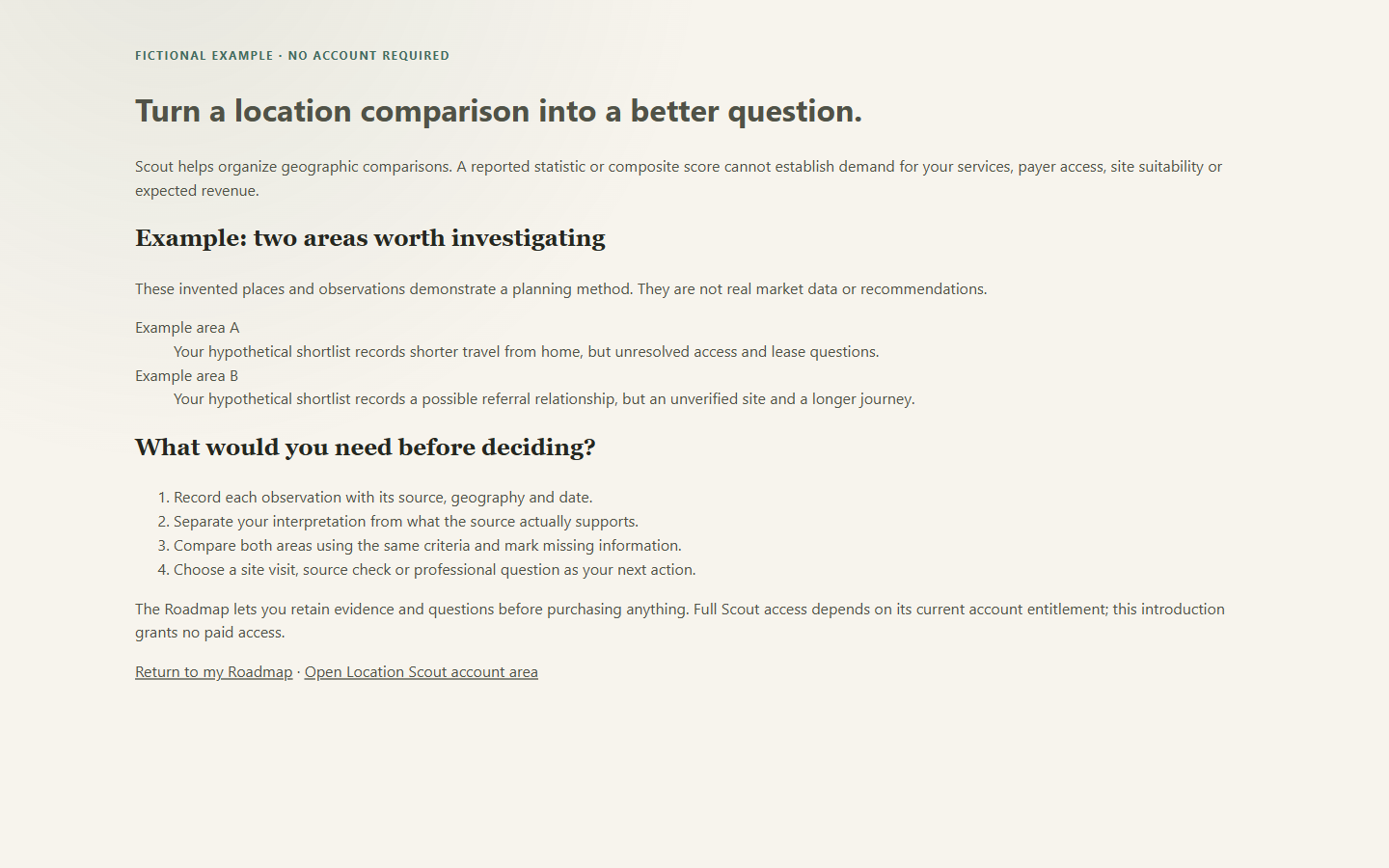
Browser Roadmap and Location Scout on the hosted site, captured October 2026. The Windows app appears below.
Scout saves its analyses and shortlist to your web account. Your Windows project stays on your computer. Linking a desktop profile for Pro does not upload or synchronize your local project.
Open your Pioneer account →EXPLORE MARKETS
Compare places nationwide with the source in view. Explore sourced demographics for any U.S. county, without setting up a personal Census key, and develop questions for candidate sites. Public data supplies context; your own assumptions shape the decision.
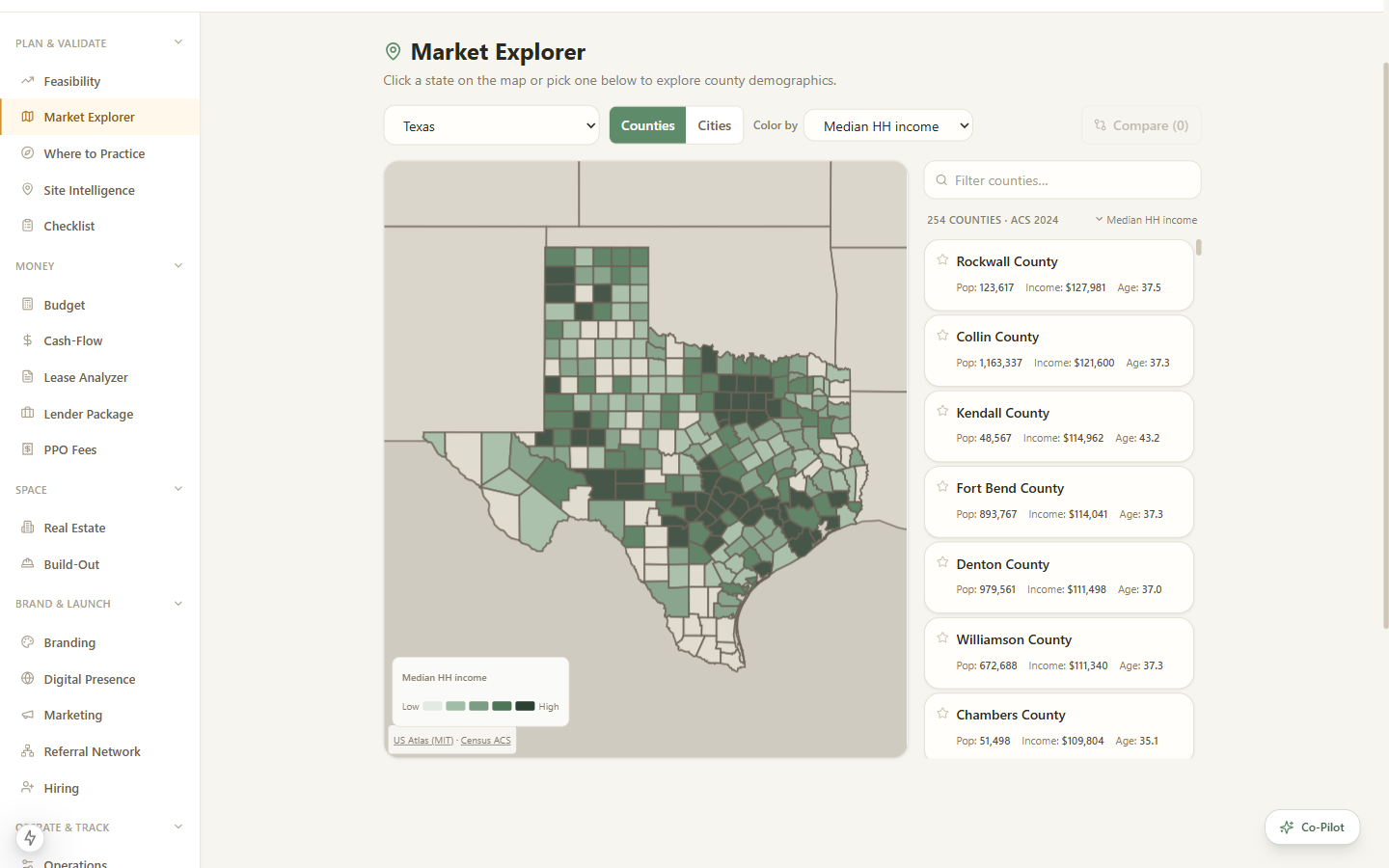
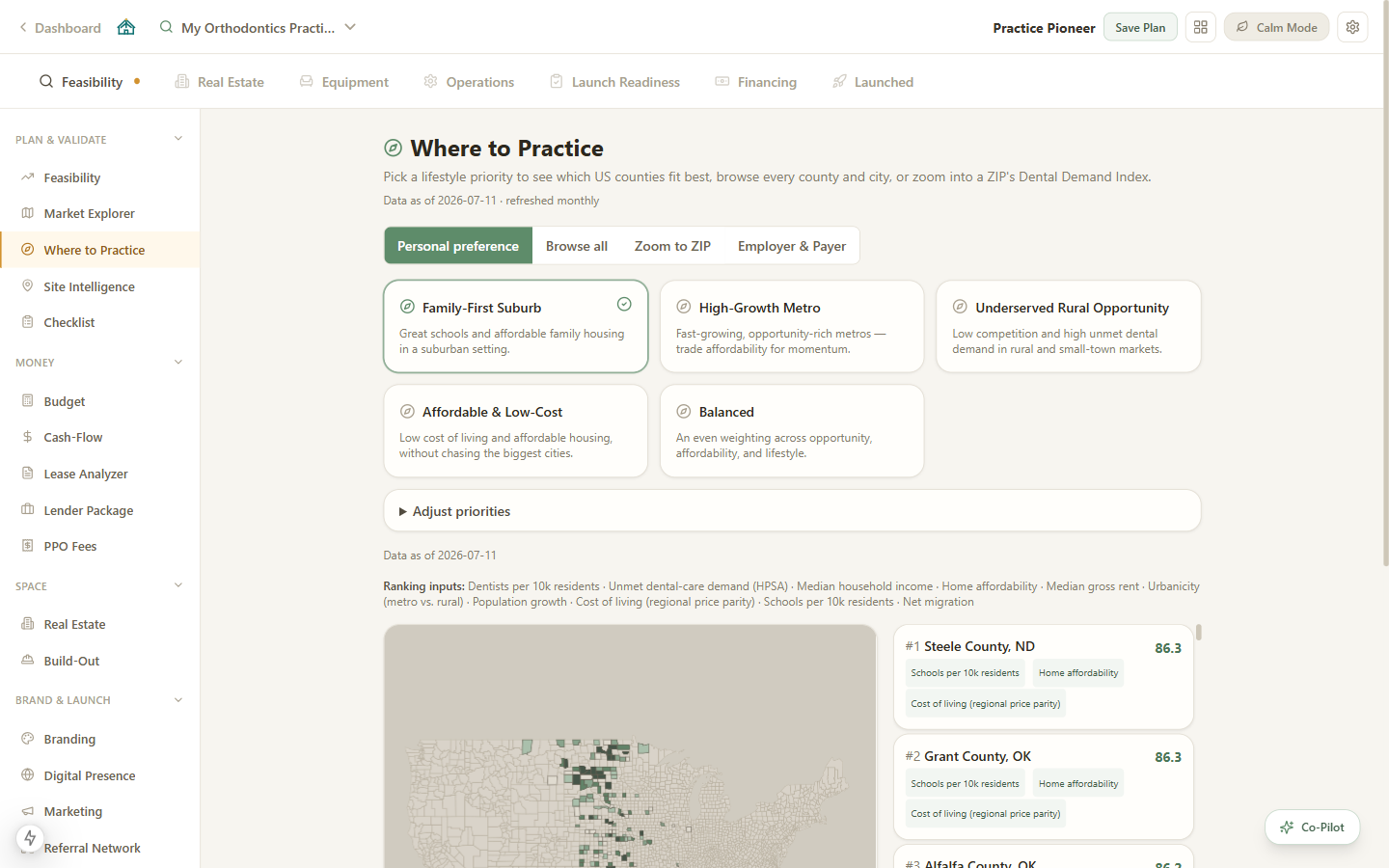
The market and demographic data above covers counties nationwide, with ZIP-level lookups where the cited public source has coverage. Confirming which providers are active, where they practice, and how offices relate is a different problem, and it is still being validated.
Census ACS demographics, workforce and wage context, health-professional-shortage flags, and public NPI registry orientation, across the whole country. Use it to size a market and prioritize outreach.
A verified-provider layer that resolves registry rows into confirmed, active clinicians and offices. It begins in Texas and returns results only after an independent review gate, with explicit source, freshness, and uncertainty states.
An honest boundary: a national registry orientation is not a nationwide verified-provider count. Until the verified layer passes review, Practice Pioneer will not present public registry rows as confirmed clinicians, dental-coverage participation, or a site-selection verdict. The former ZIP opportunity score, which combined those inputs into a single band, is retired for the same reason.
Get provider intelligence updates ↗PLAN & LAUNCH · NEW IN VERSION 2.0
Version 2.0 replaces the crowded dashboard with a Calm Guide: today’s focus, a journey ribbon across the seven phases, a readiness score, and a drawer that finds any tool by name. Focus Mode opens the right tool with the step explained. Every tool still works from the same local project.
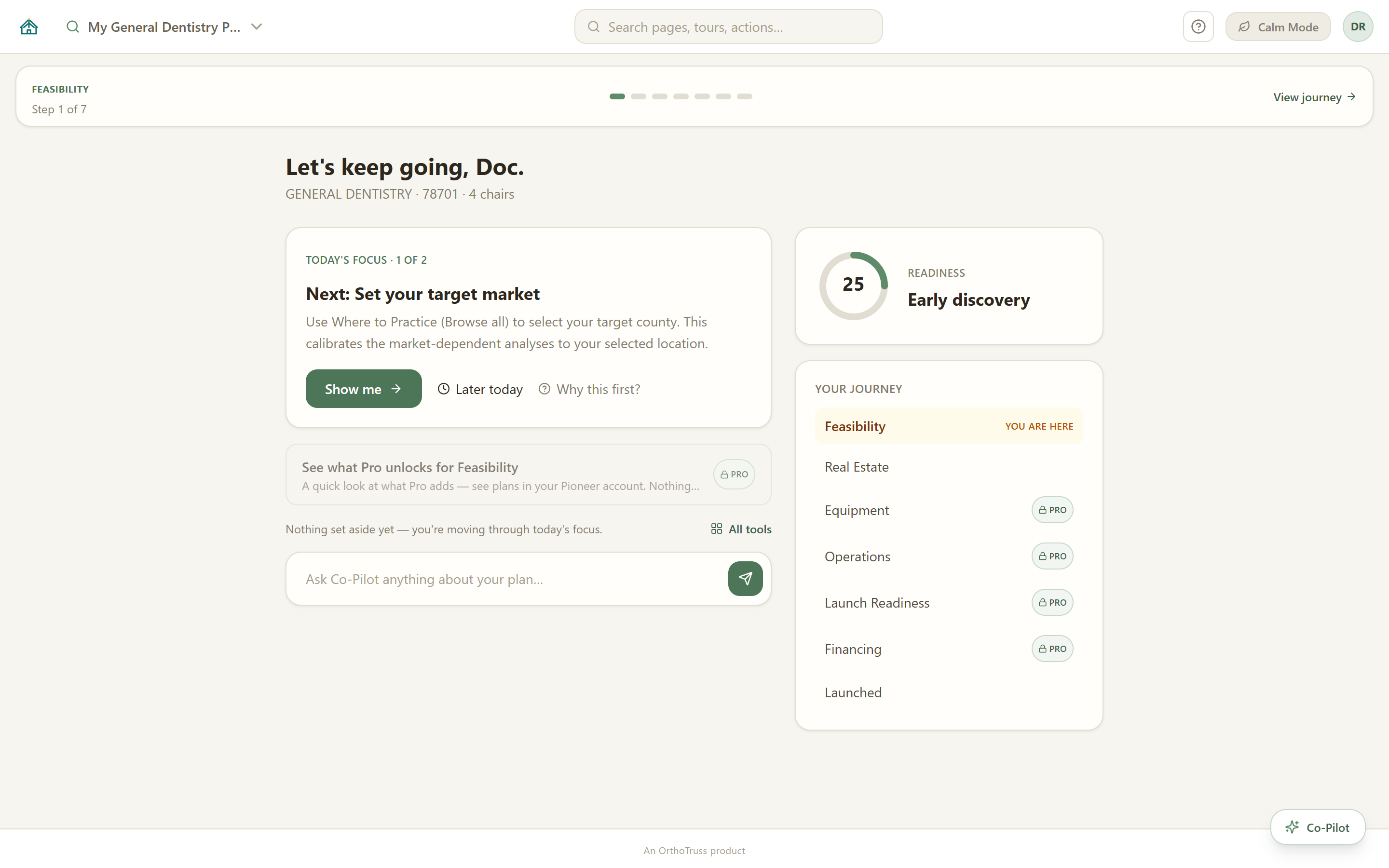
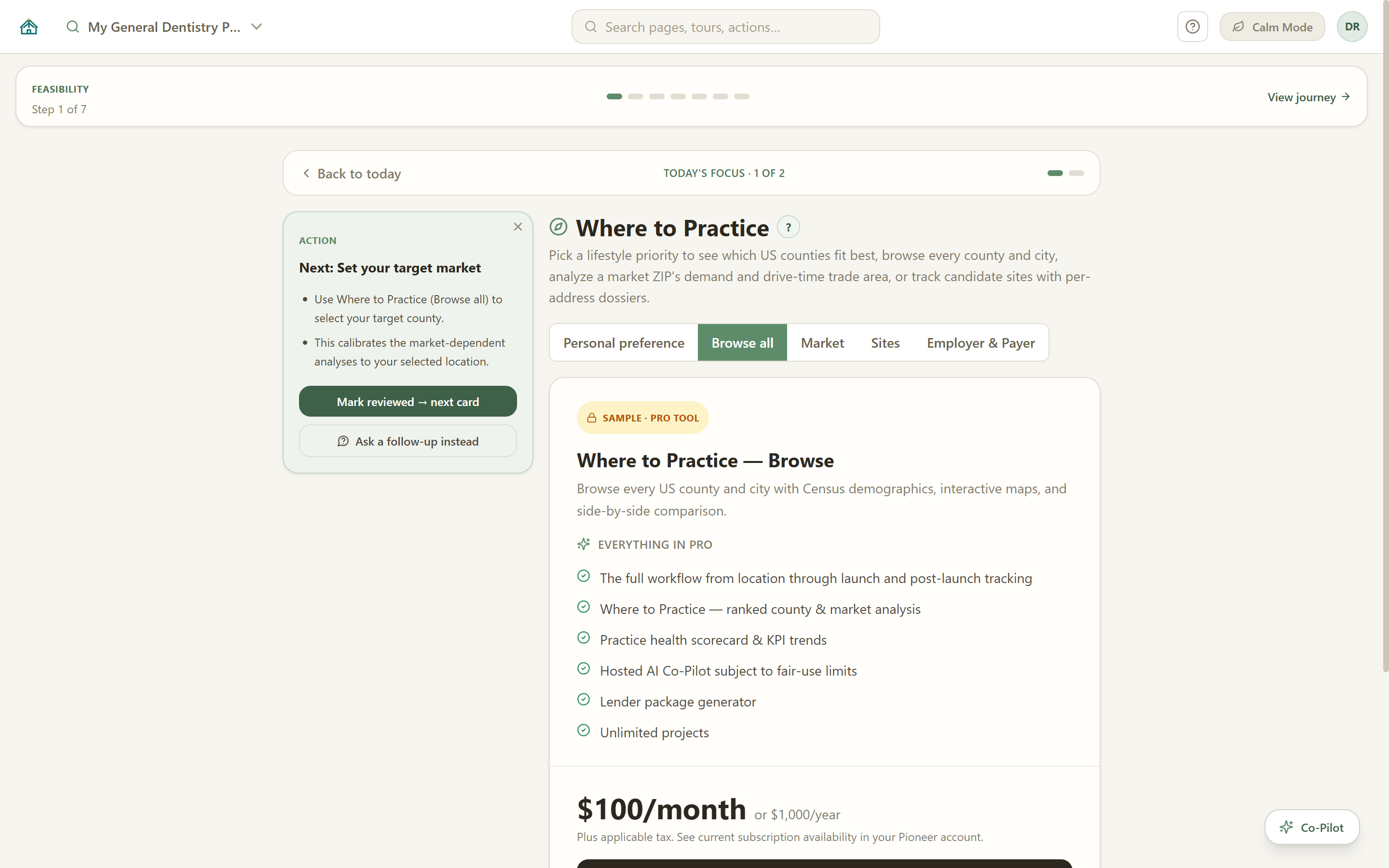
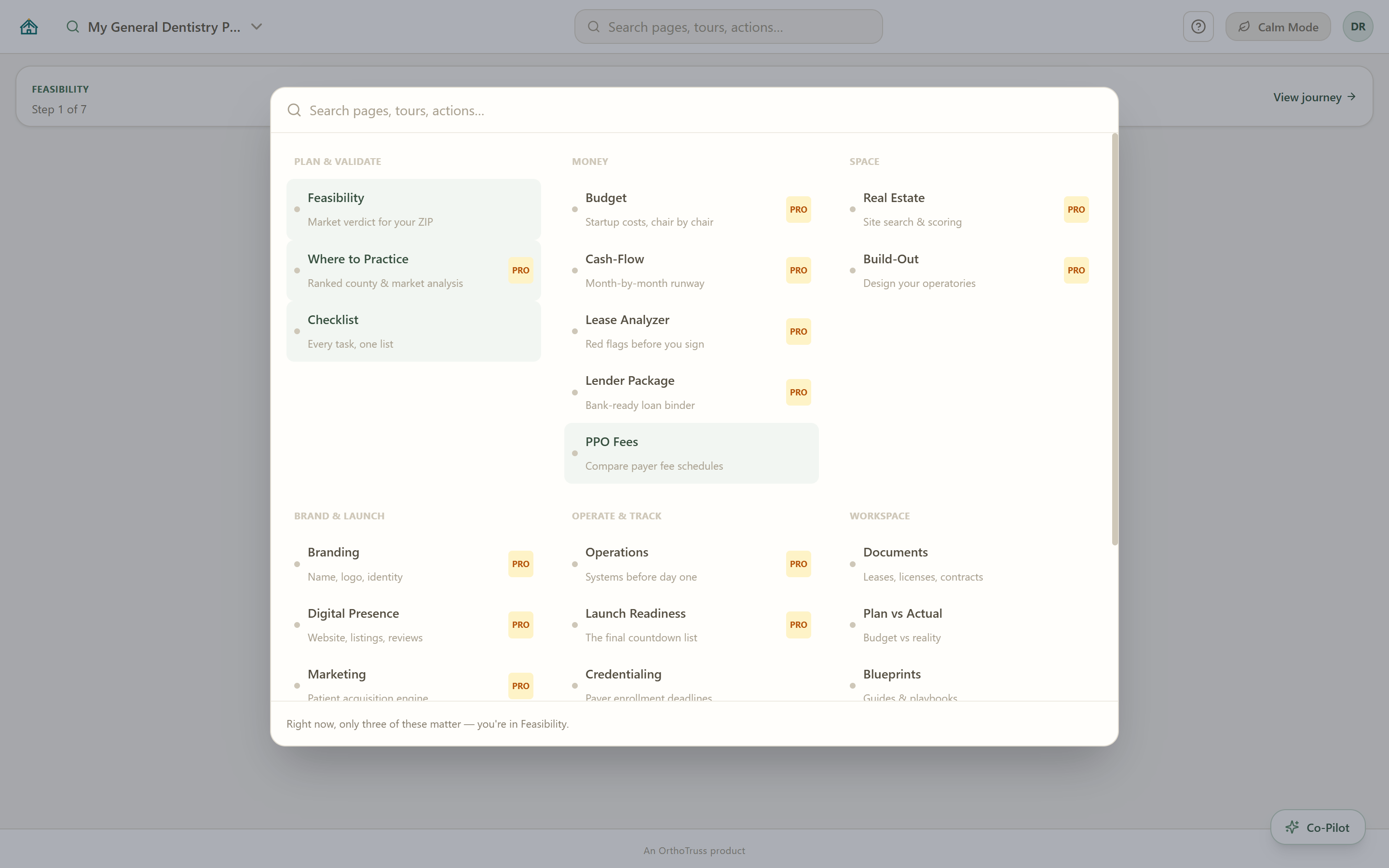
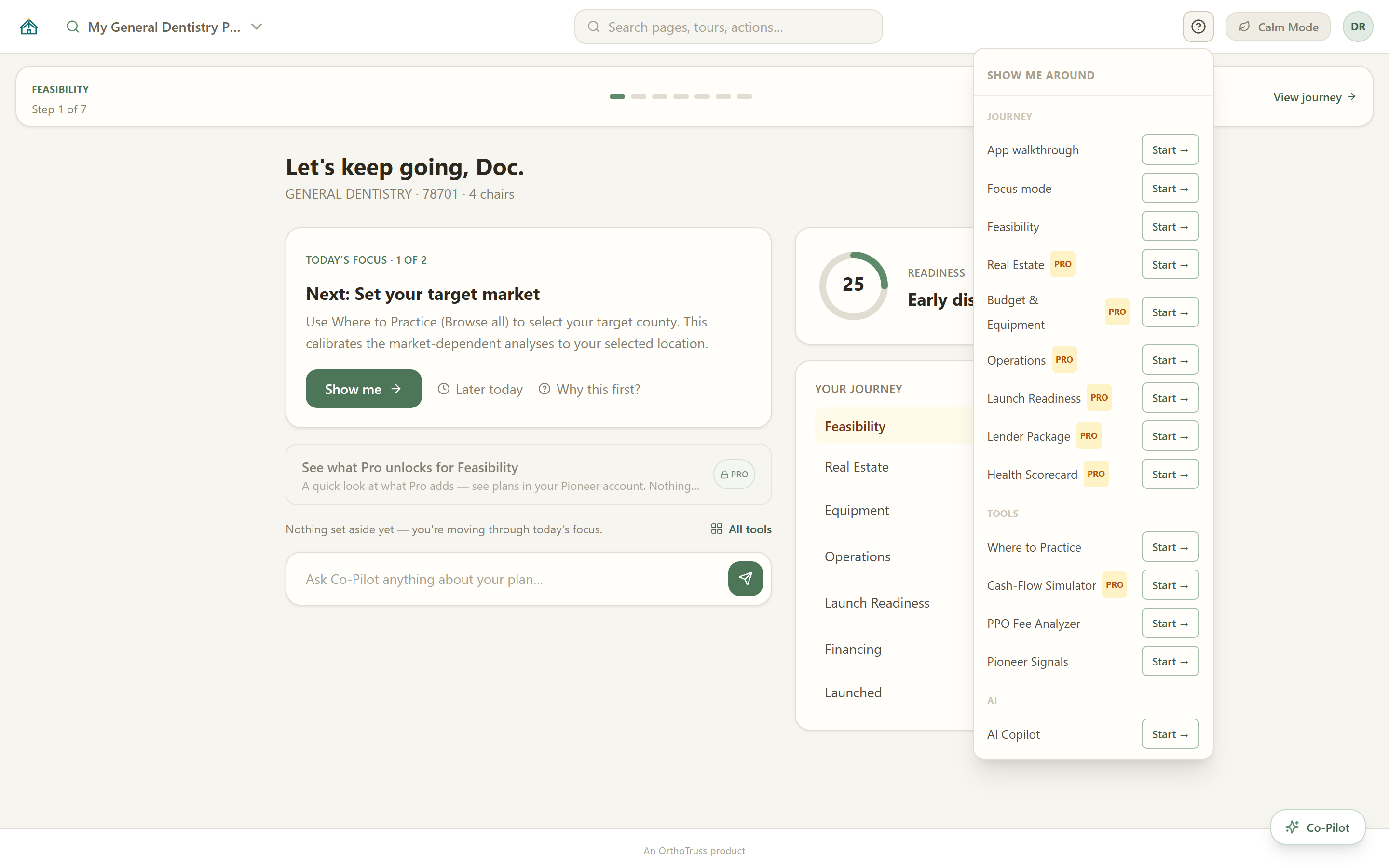
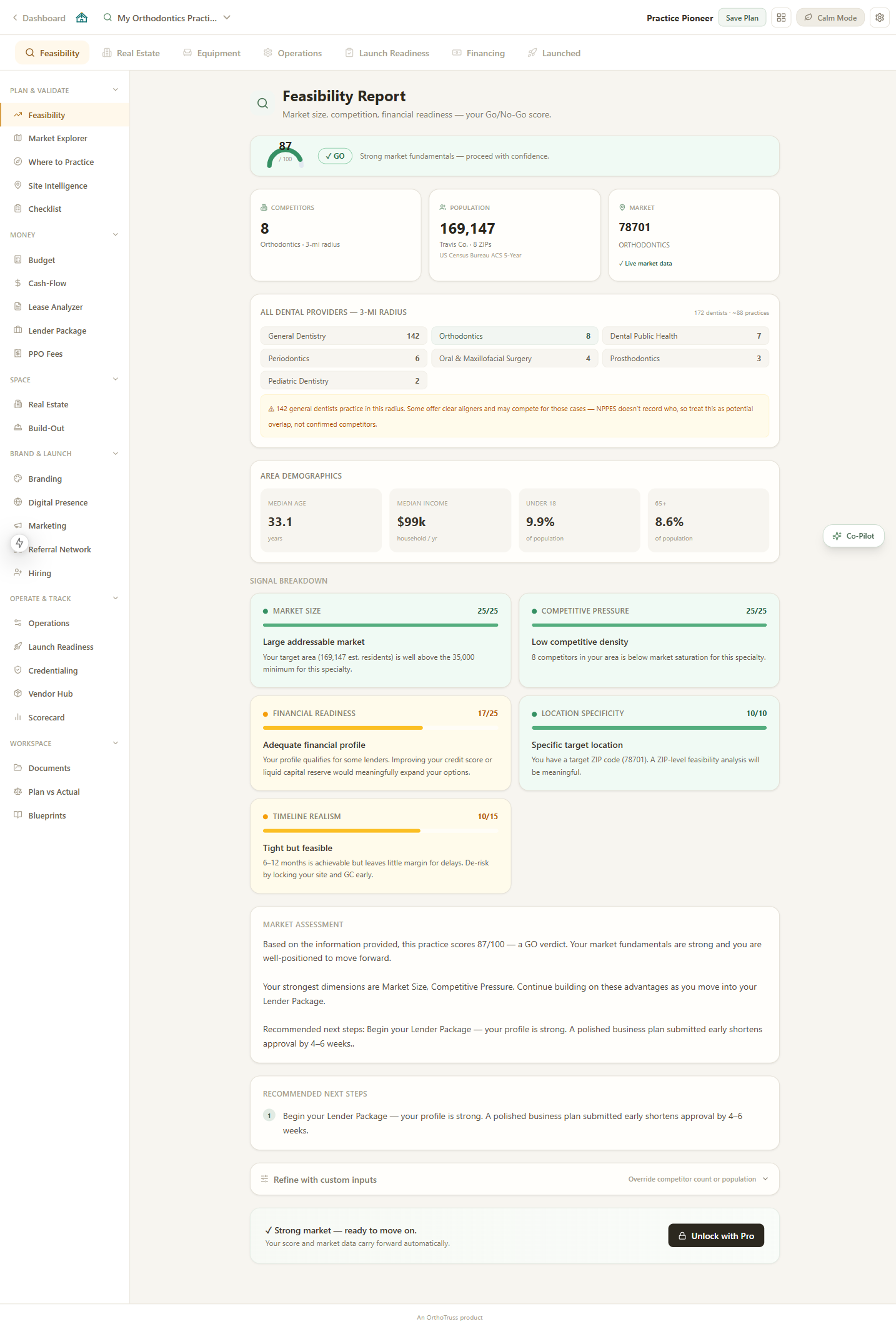
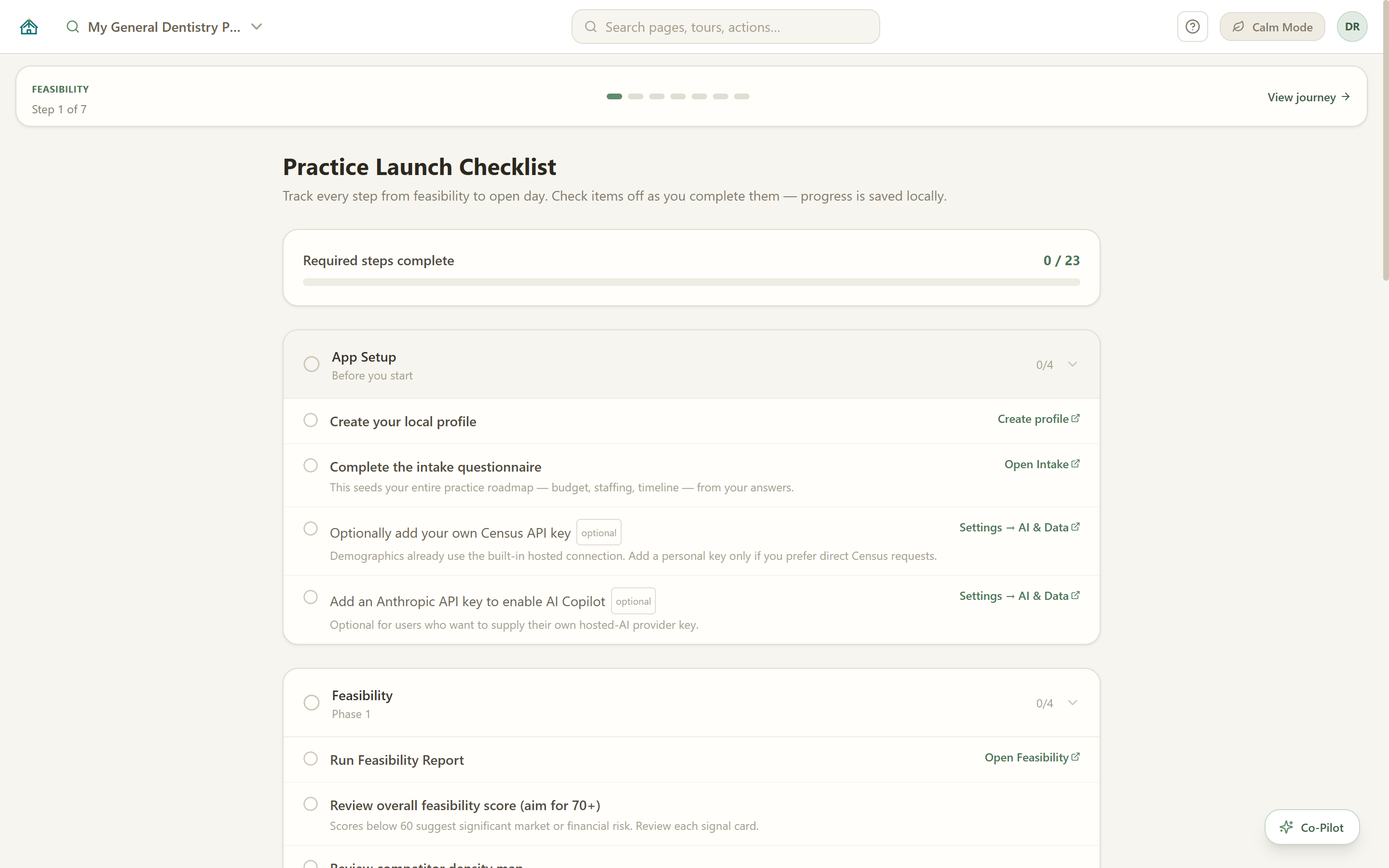
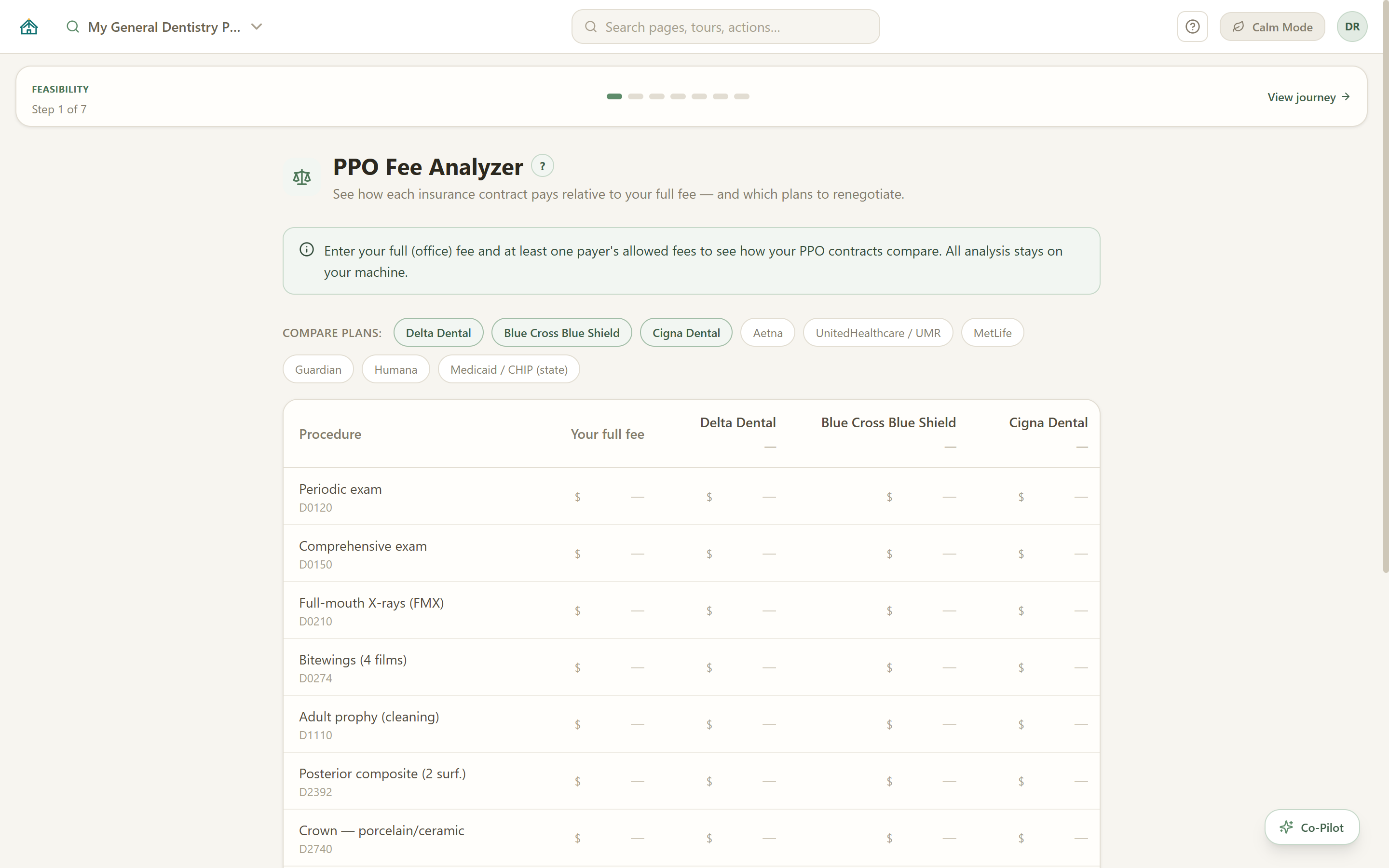
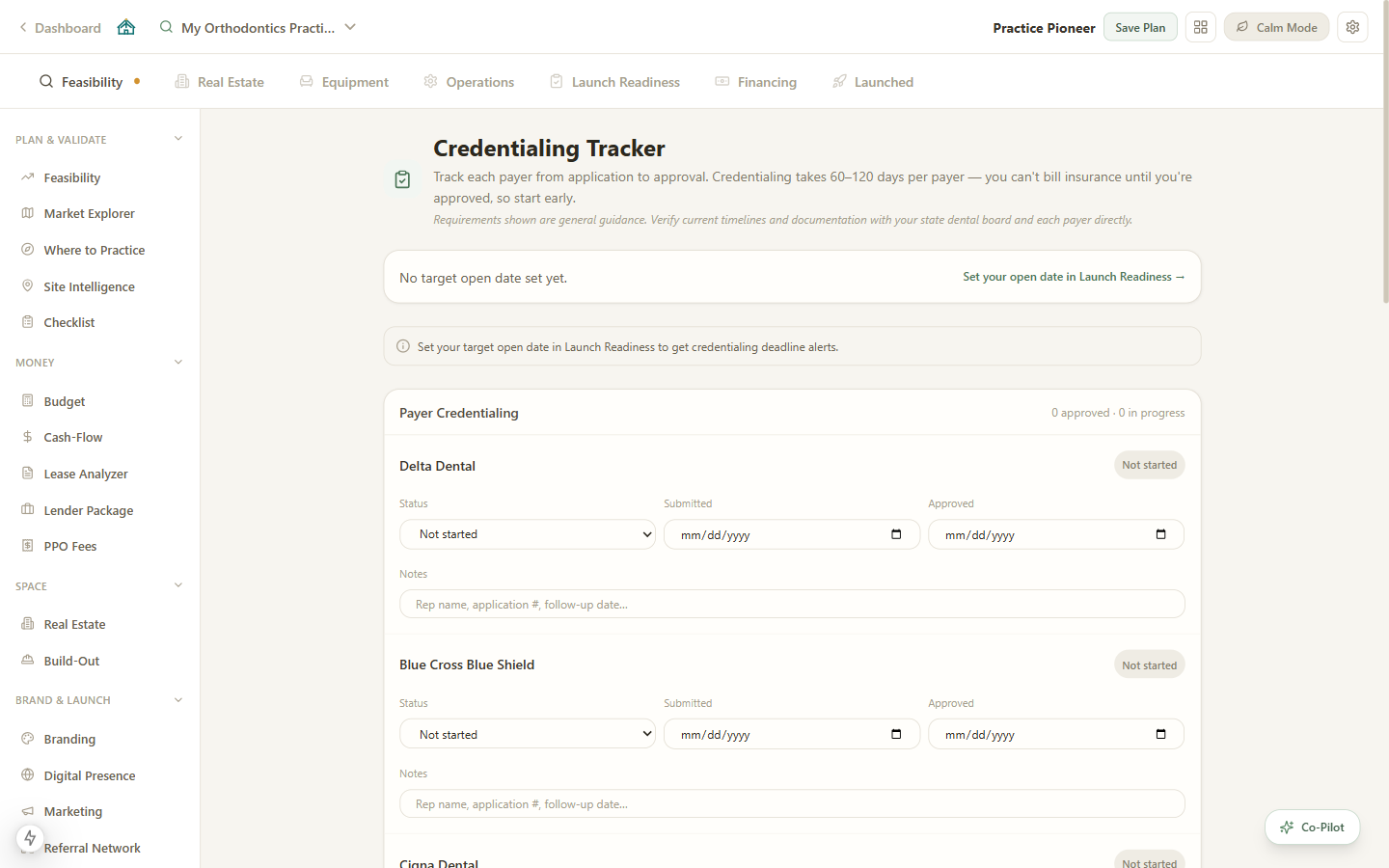
Captured from Practice Pioneer 2.0.9 on 2026-10-13 on a fresh no-cost profile with a sample project; market figures come from the built-in hosted data connection at capture time. The Pro tools below carry the plan from budget to opening day.
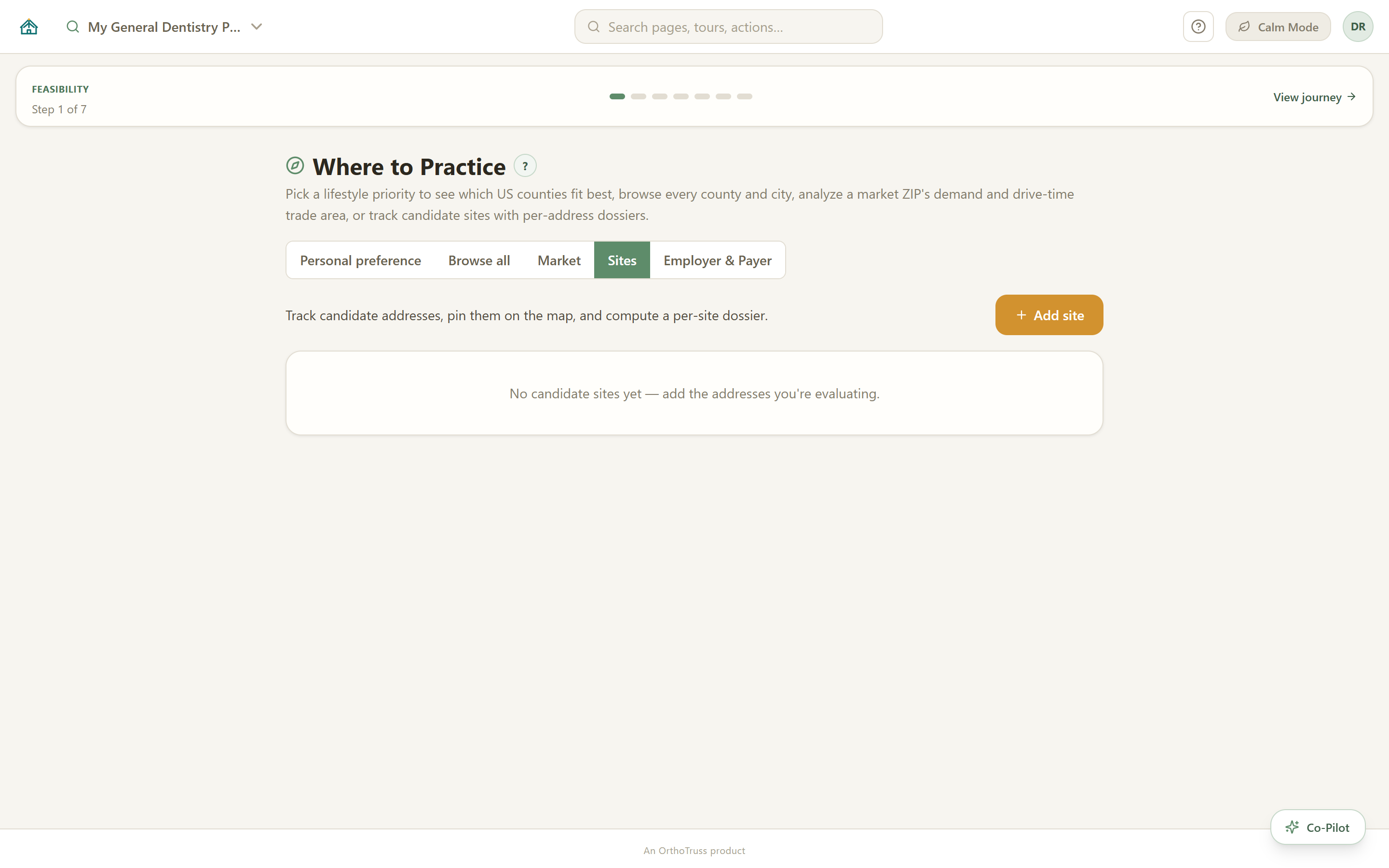
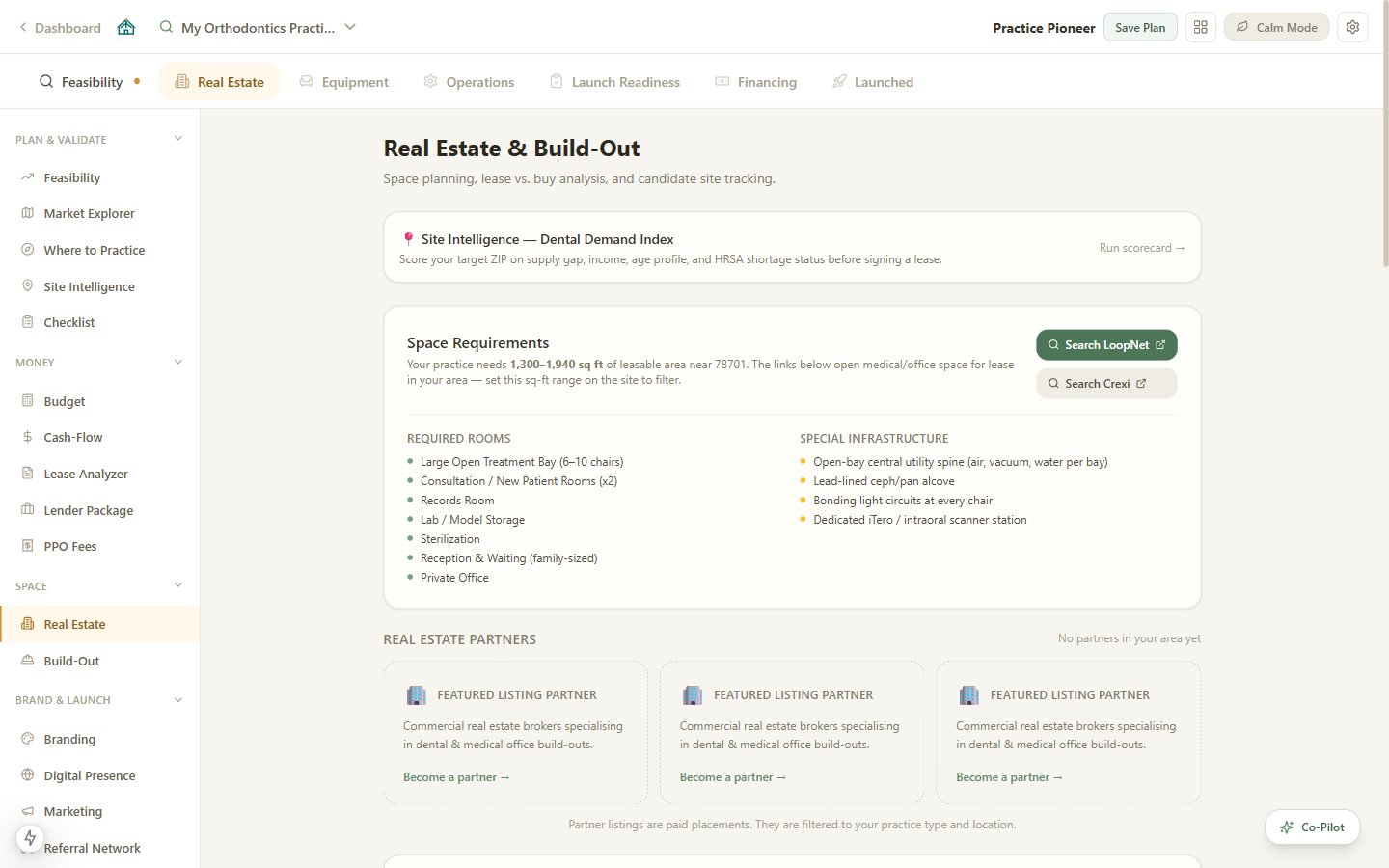
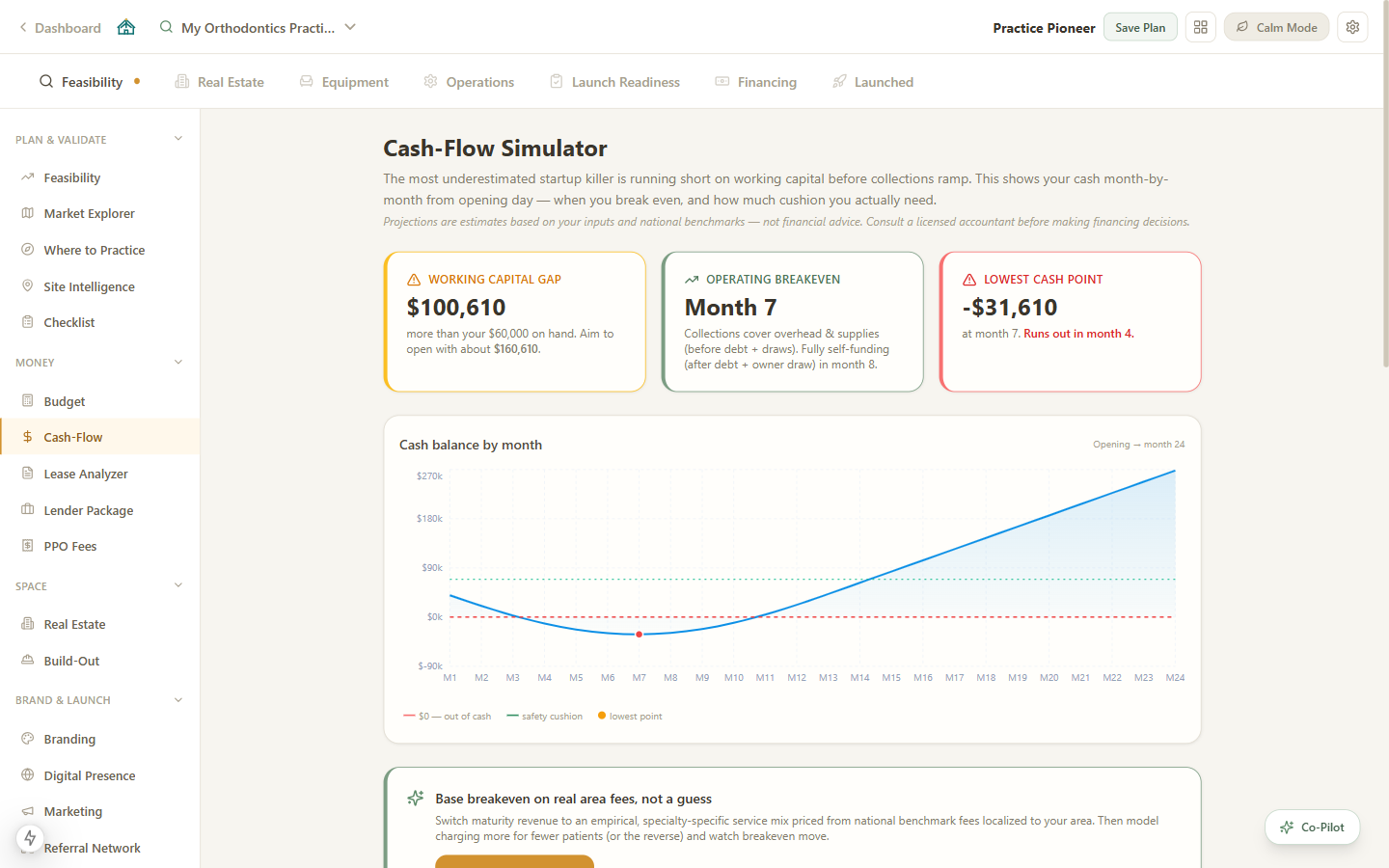
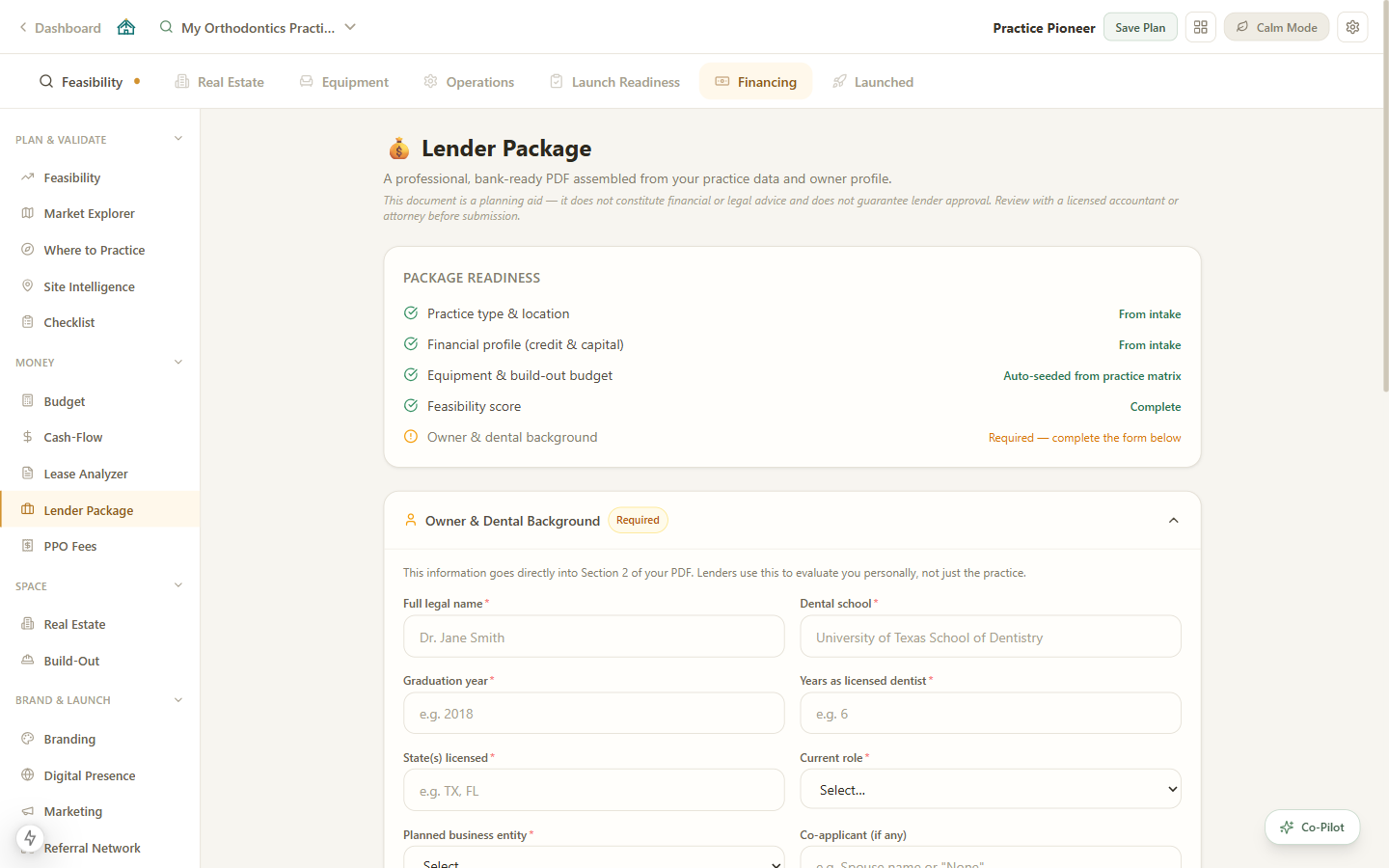
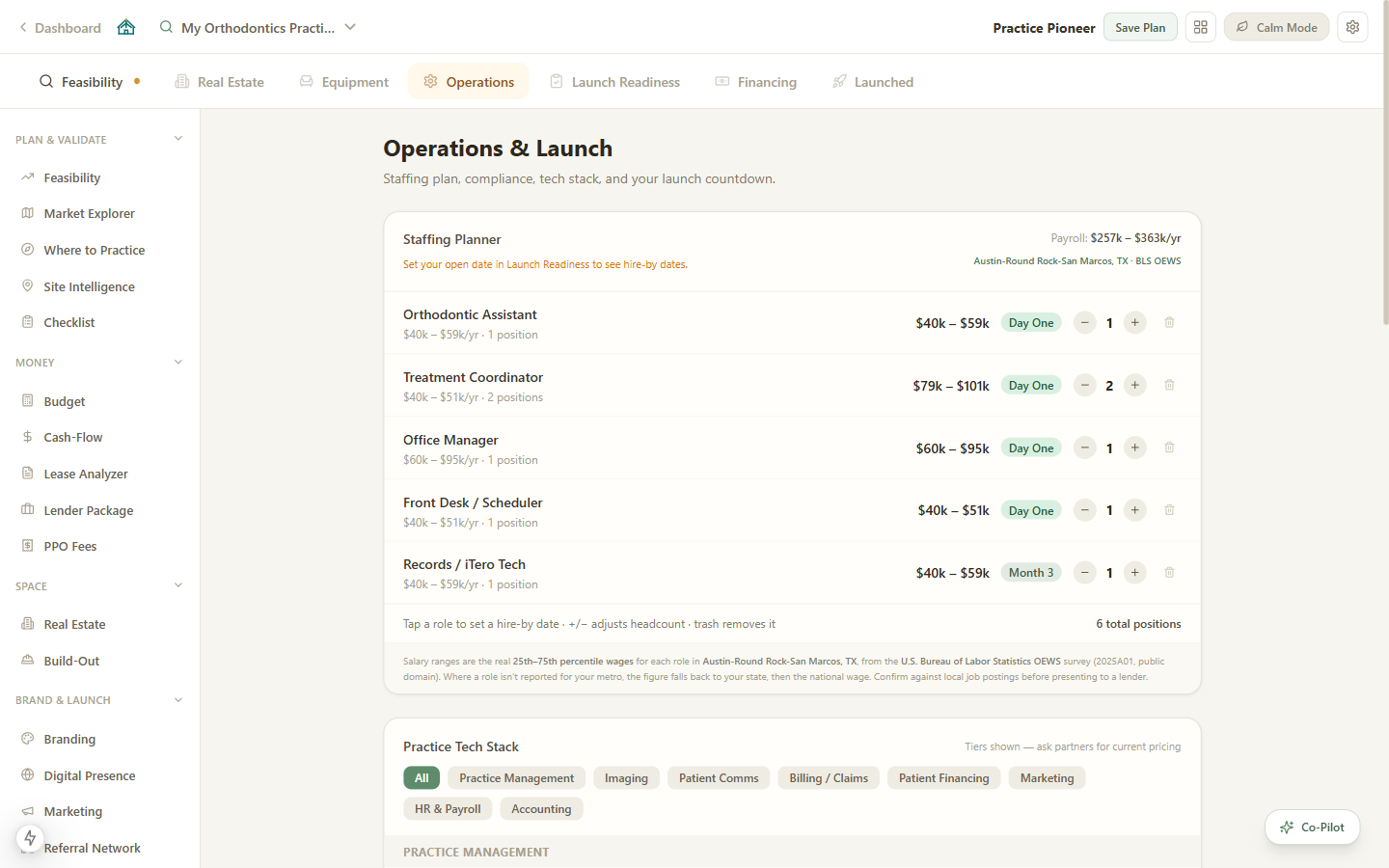
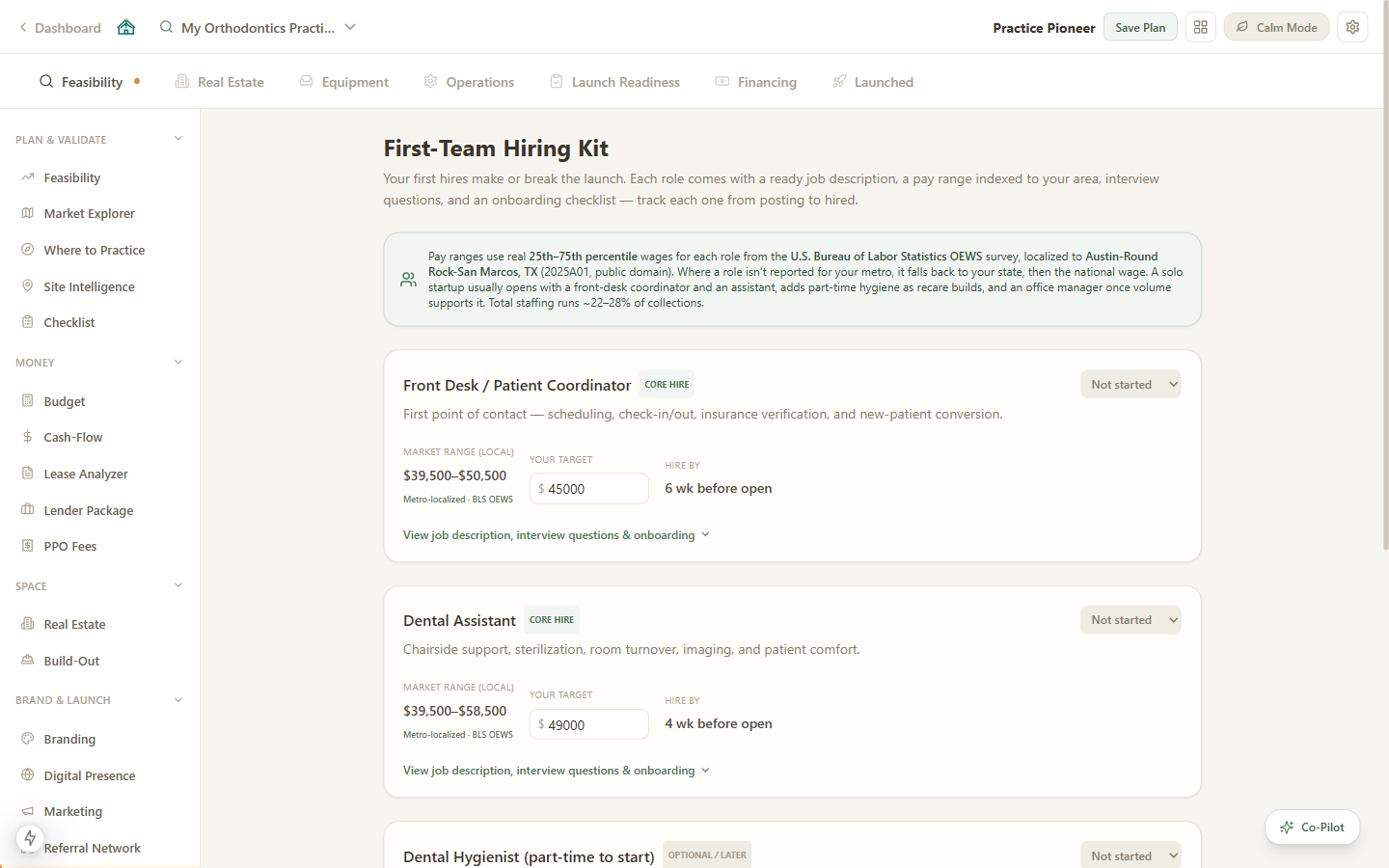
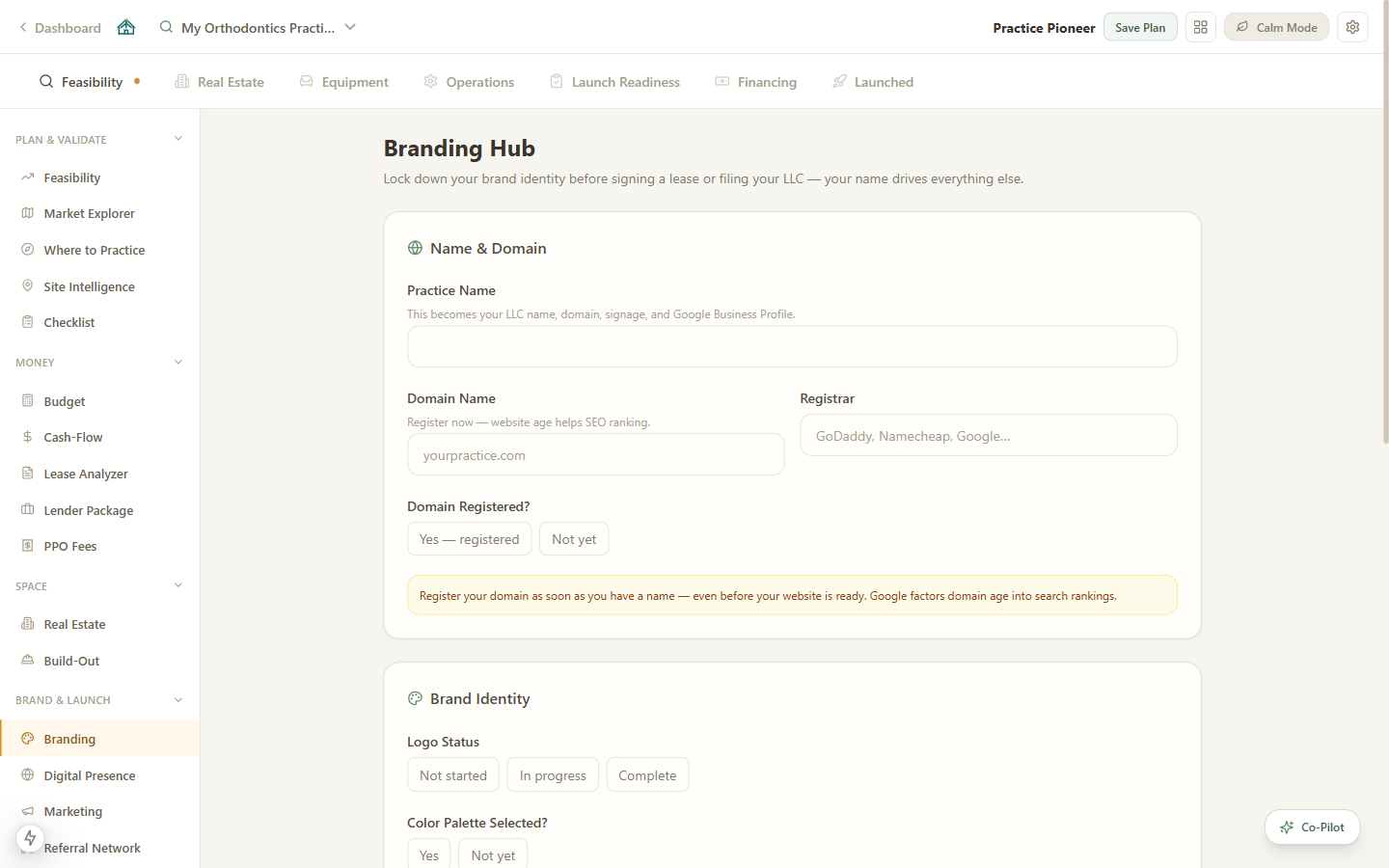
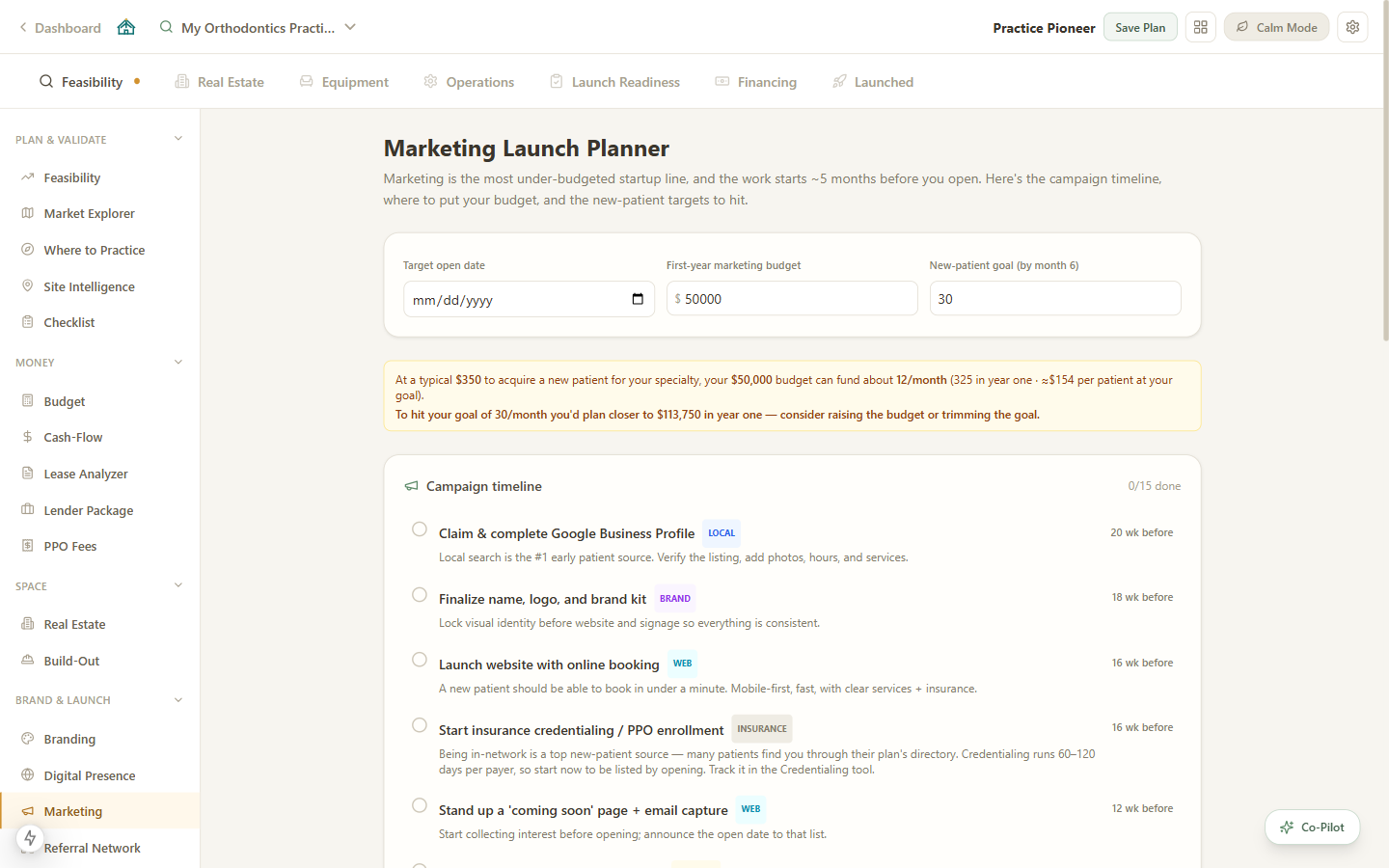
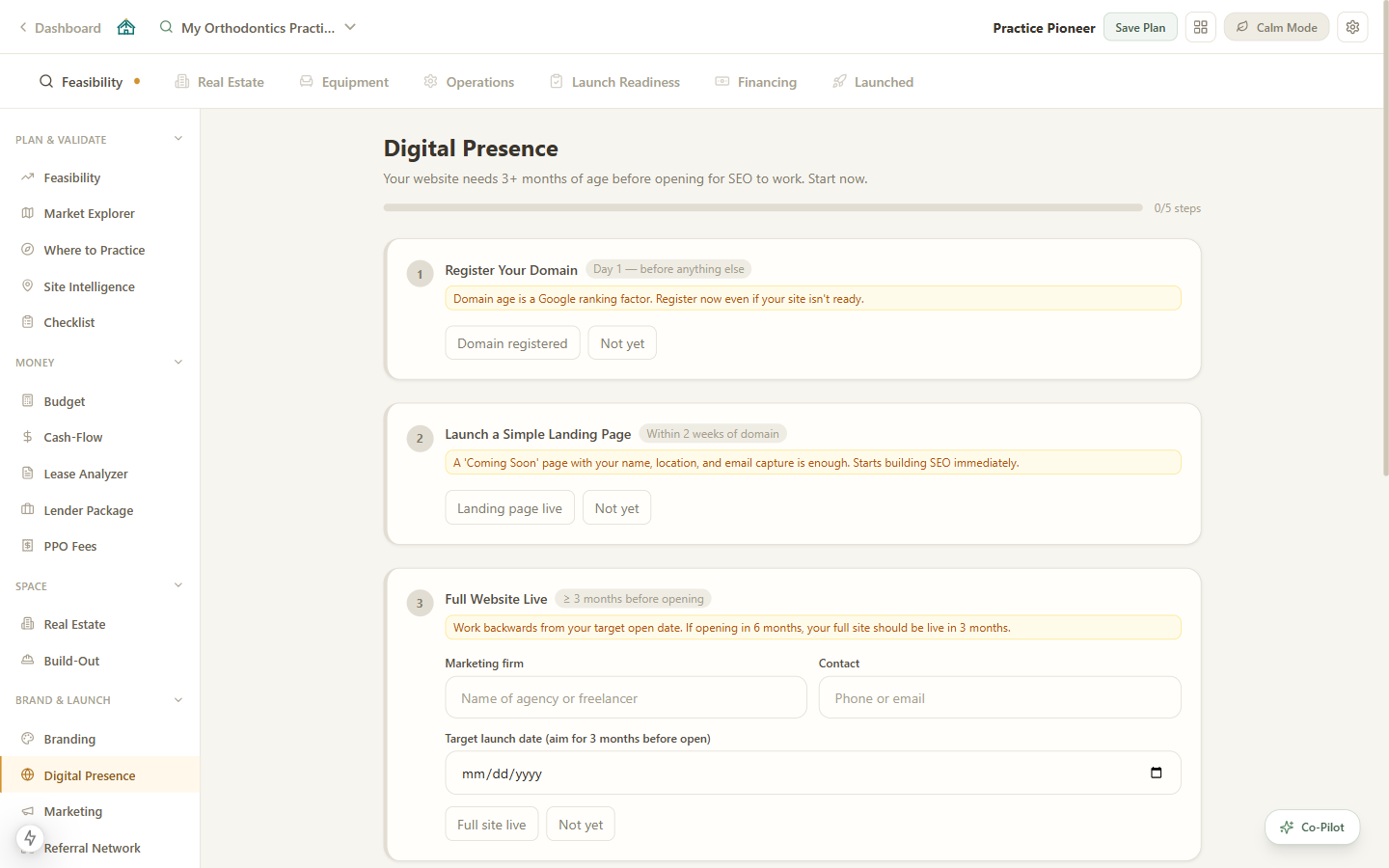
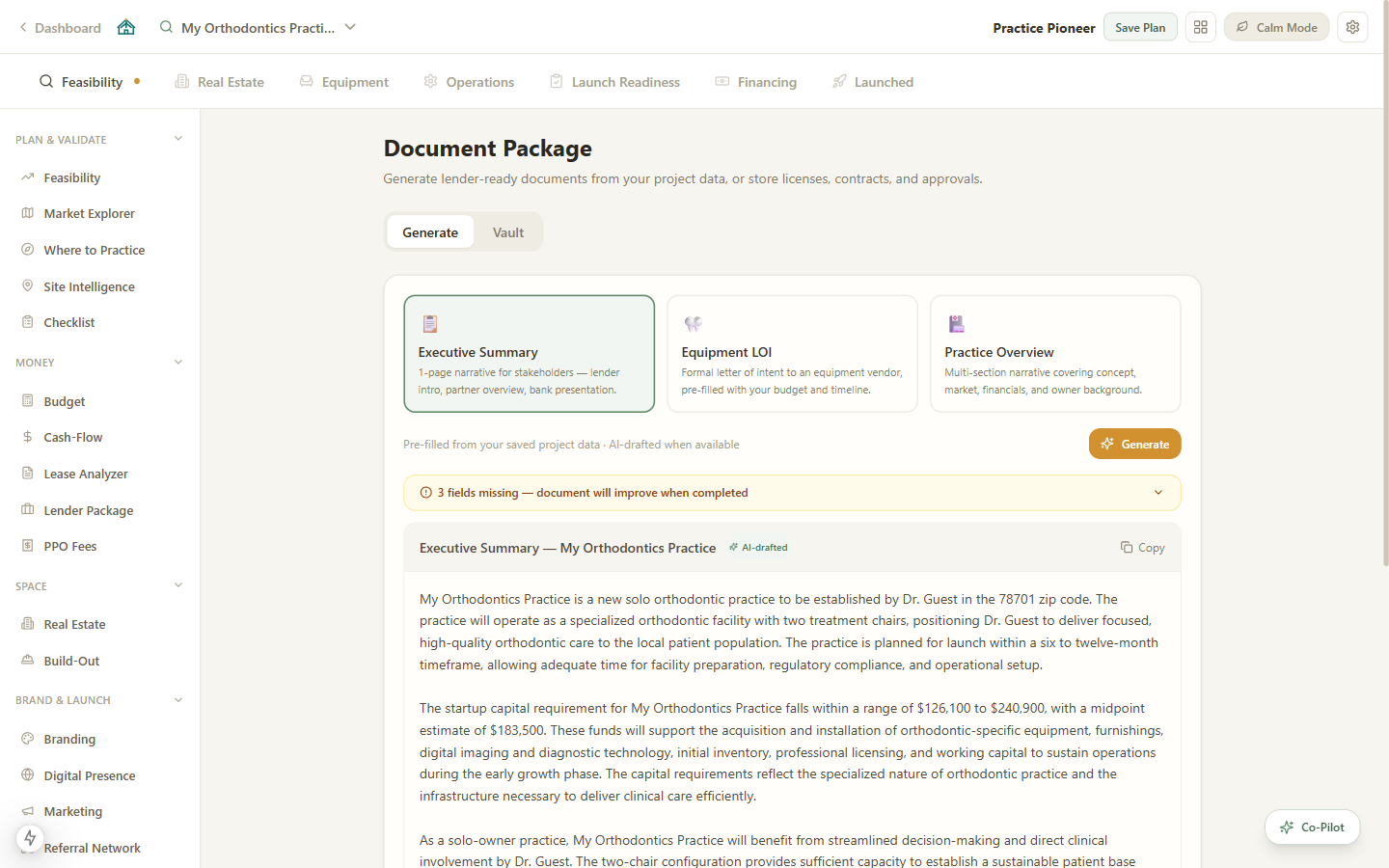
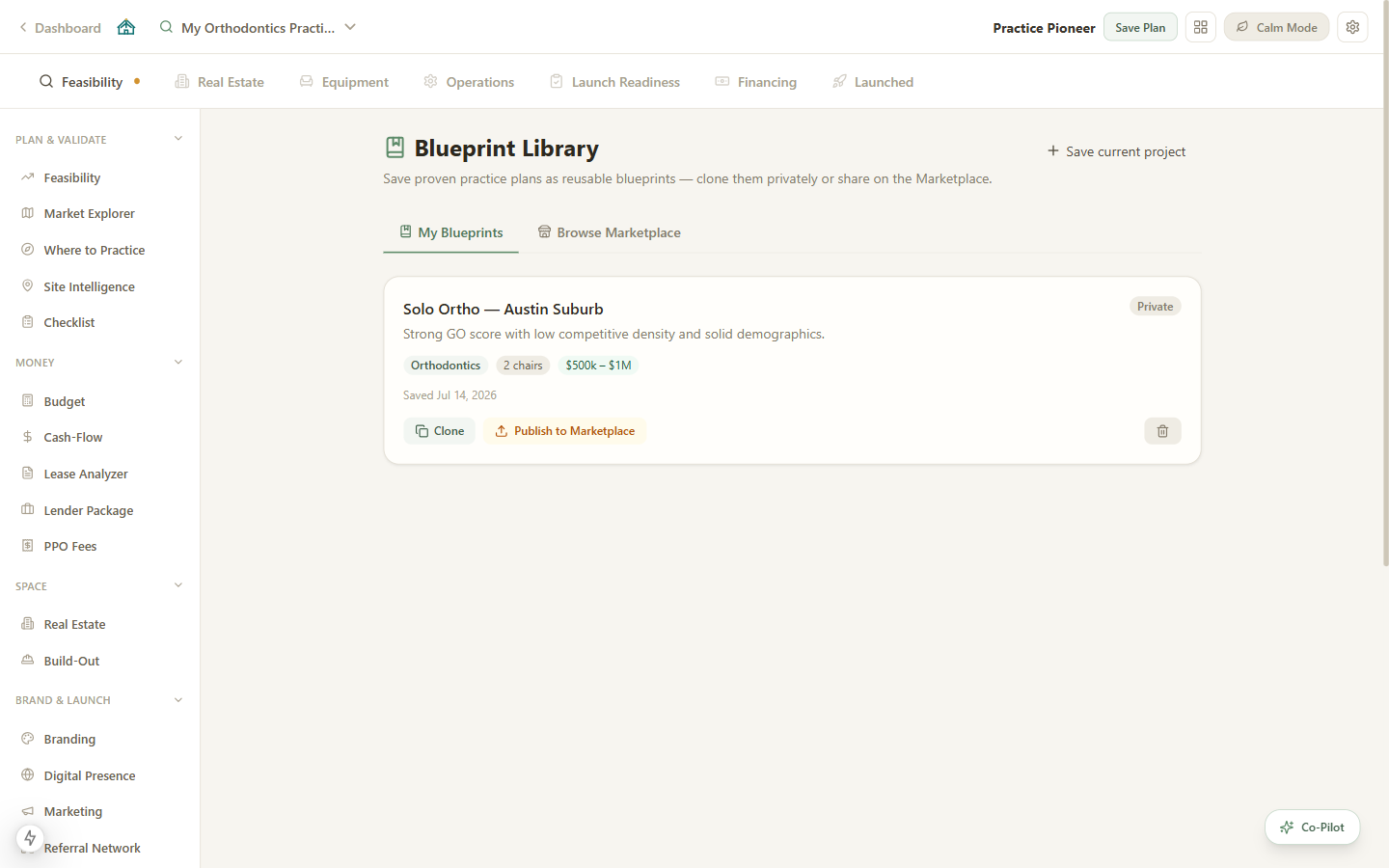
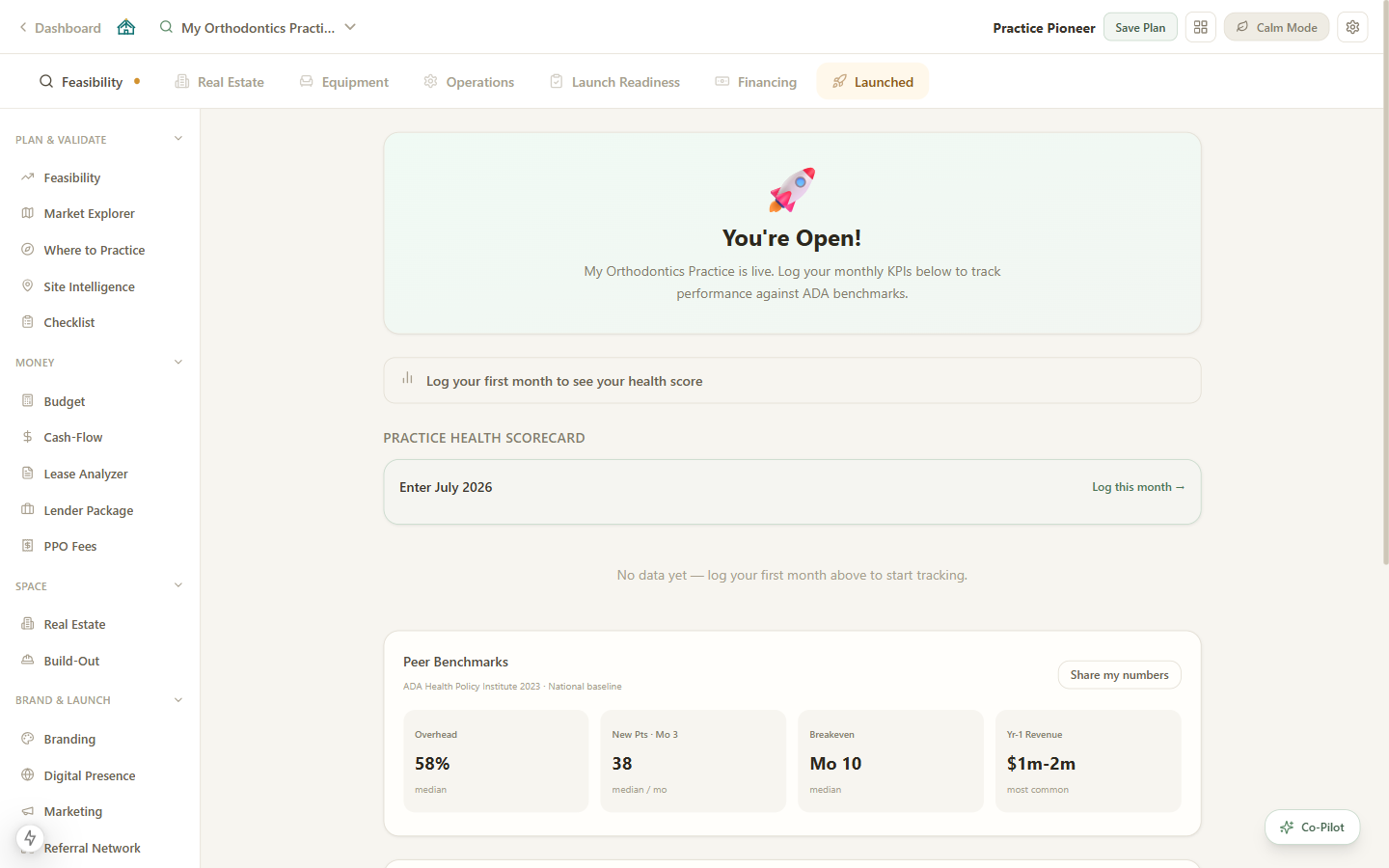
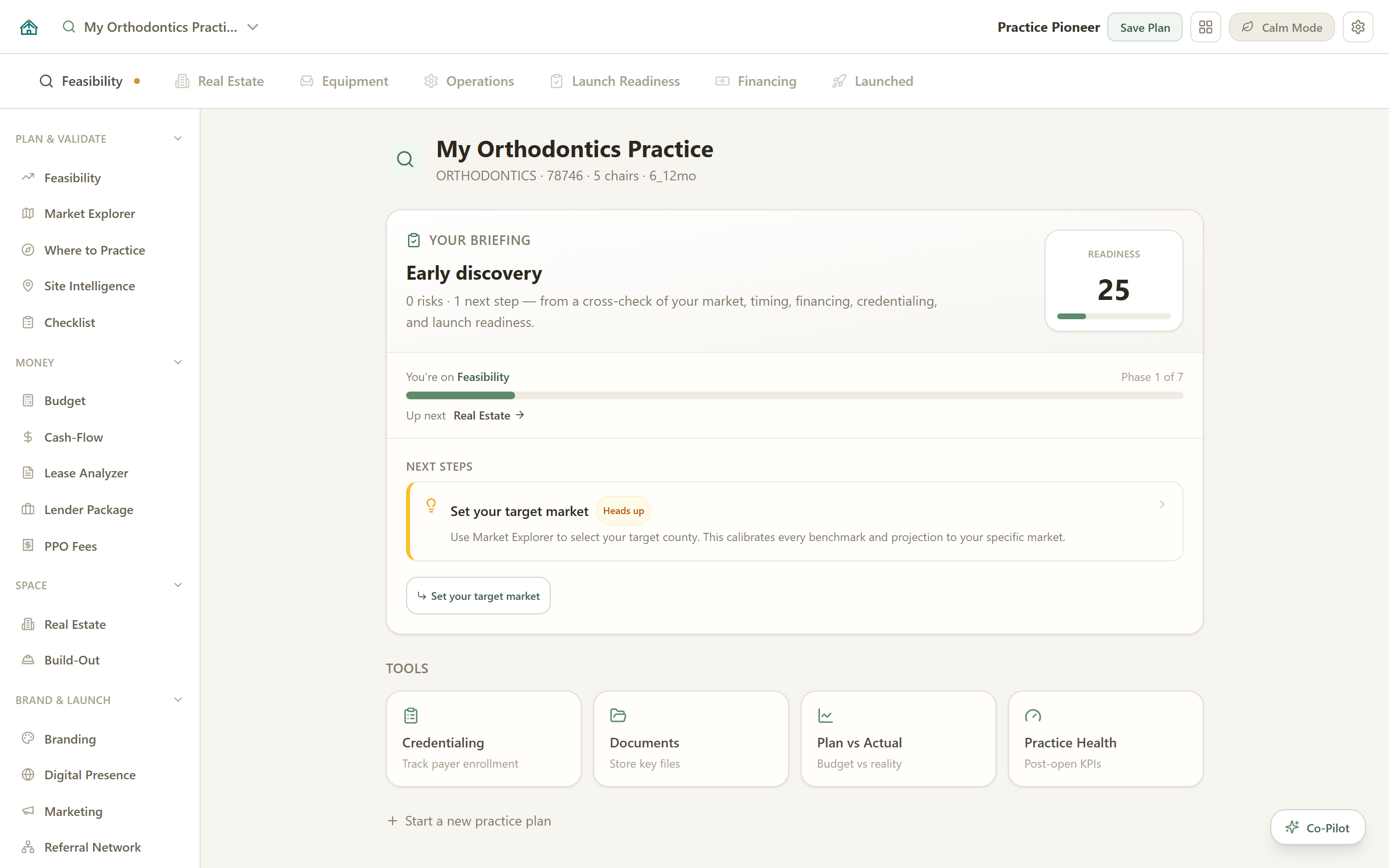
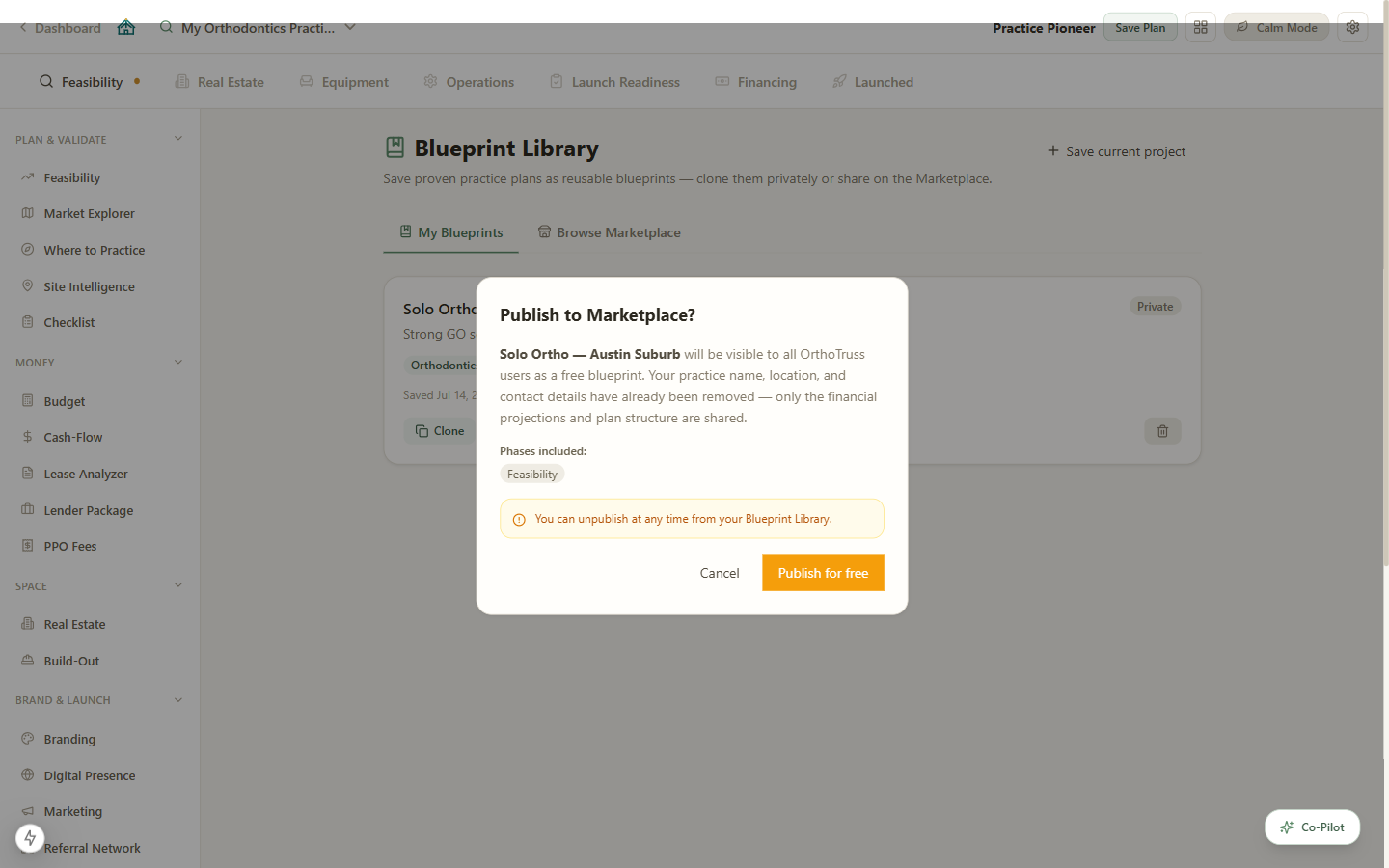
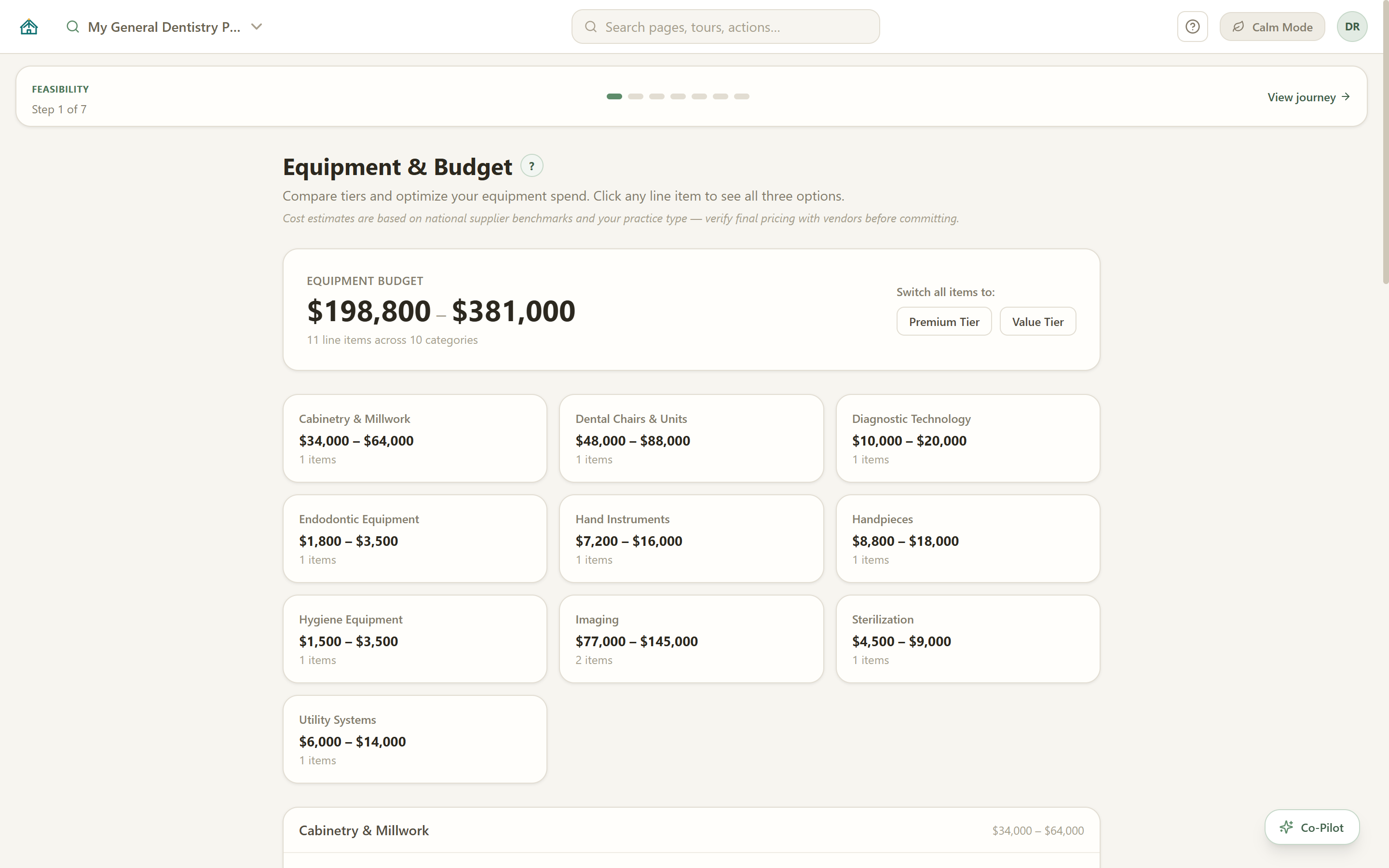
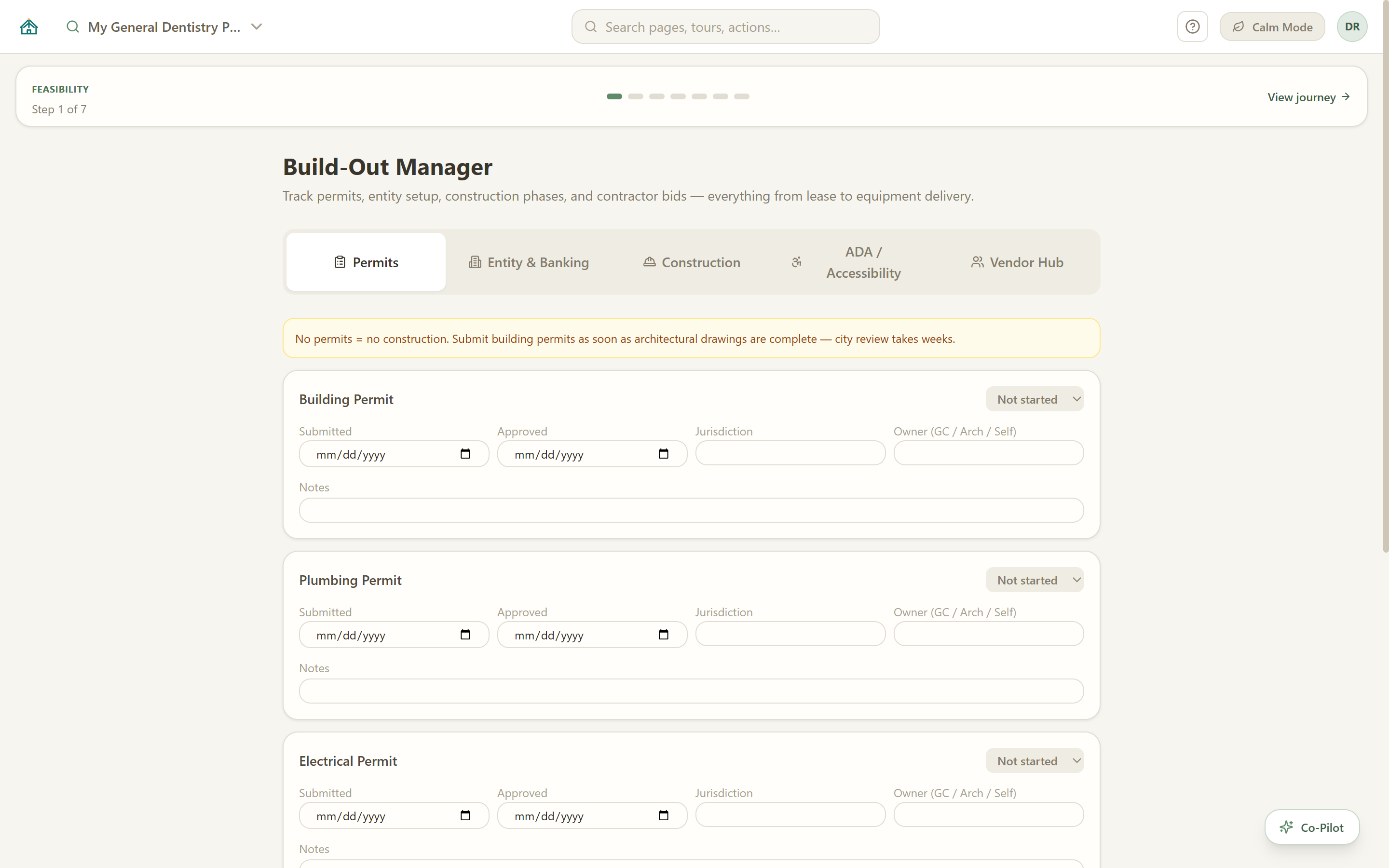
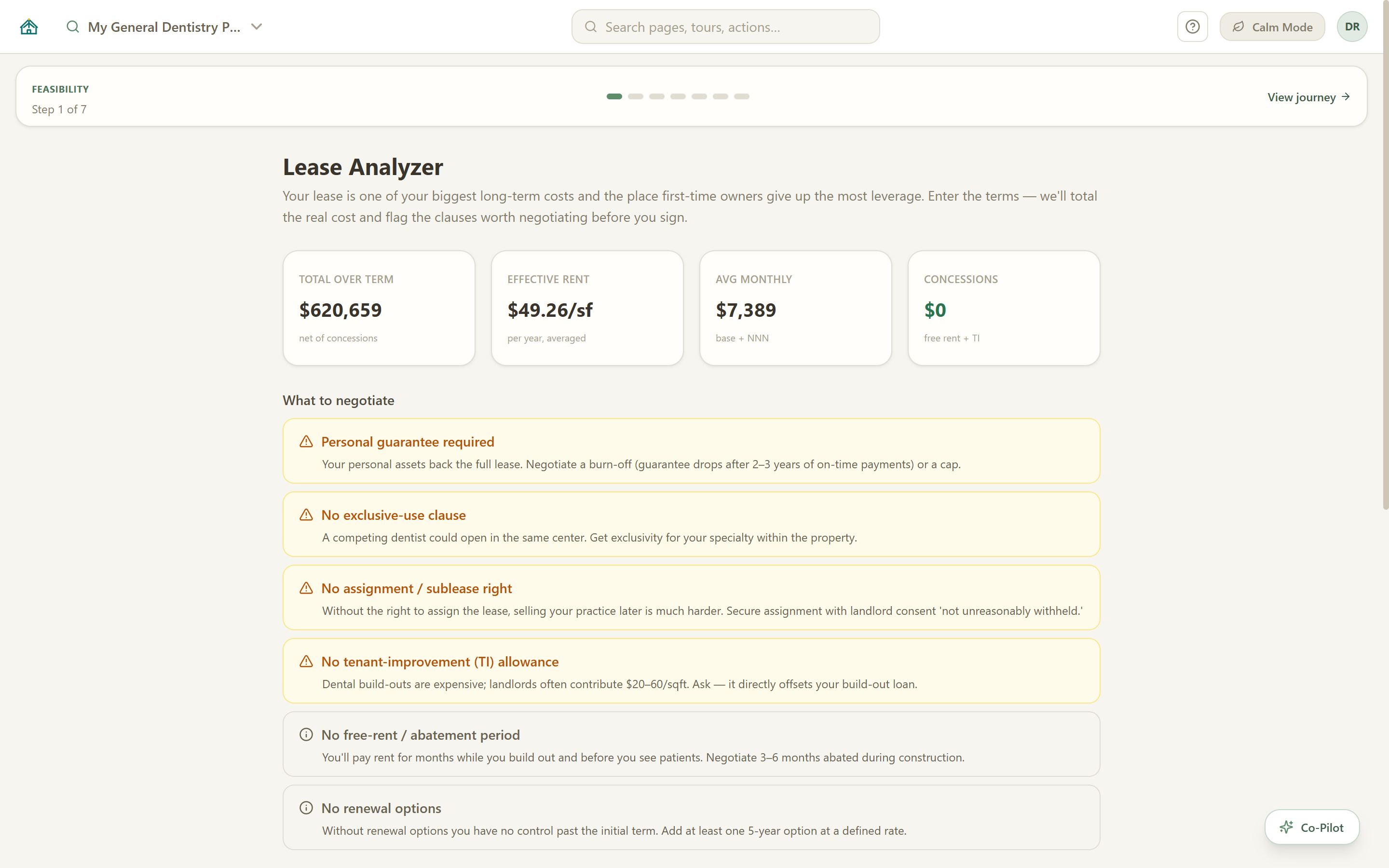
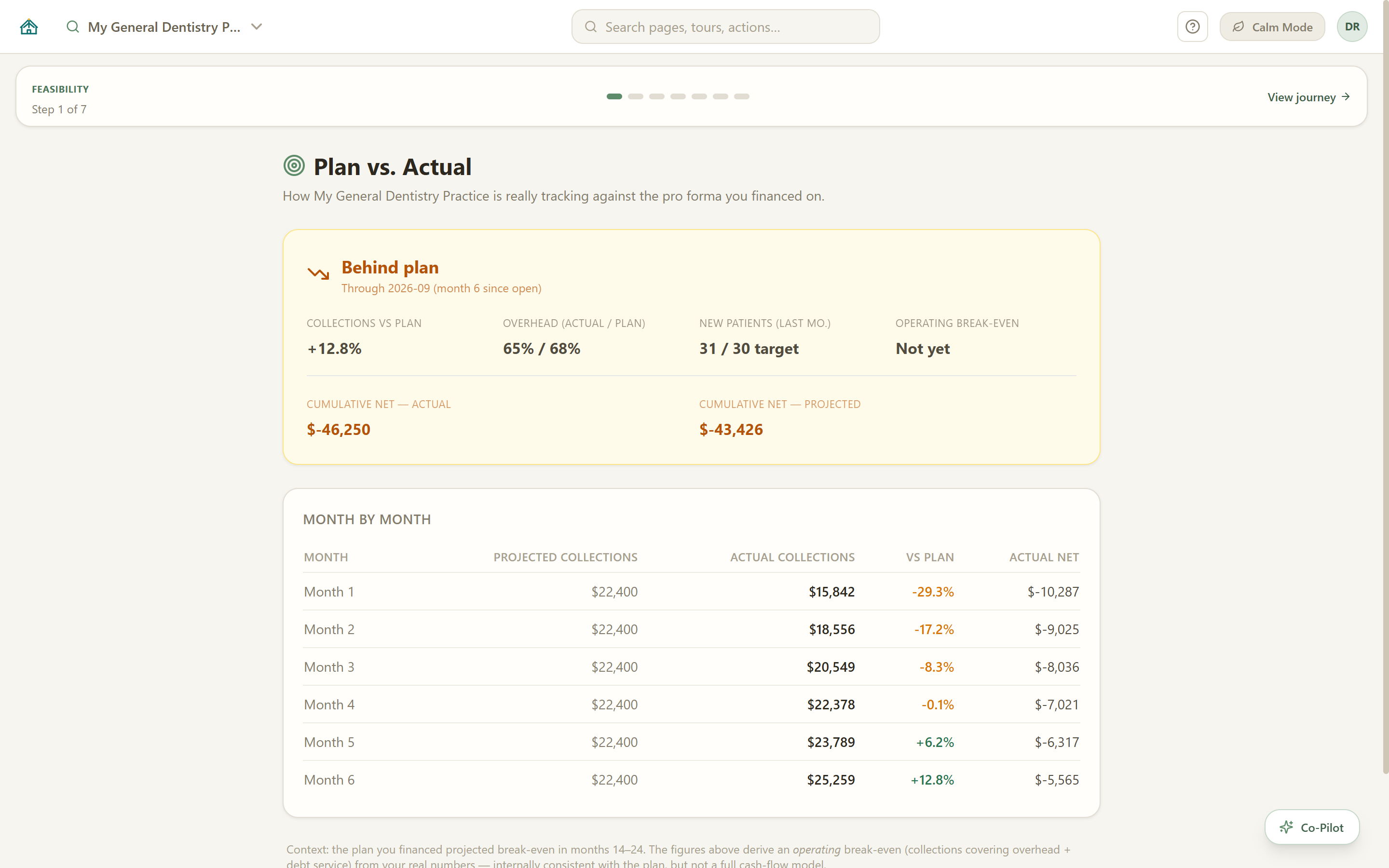
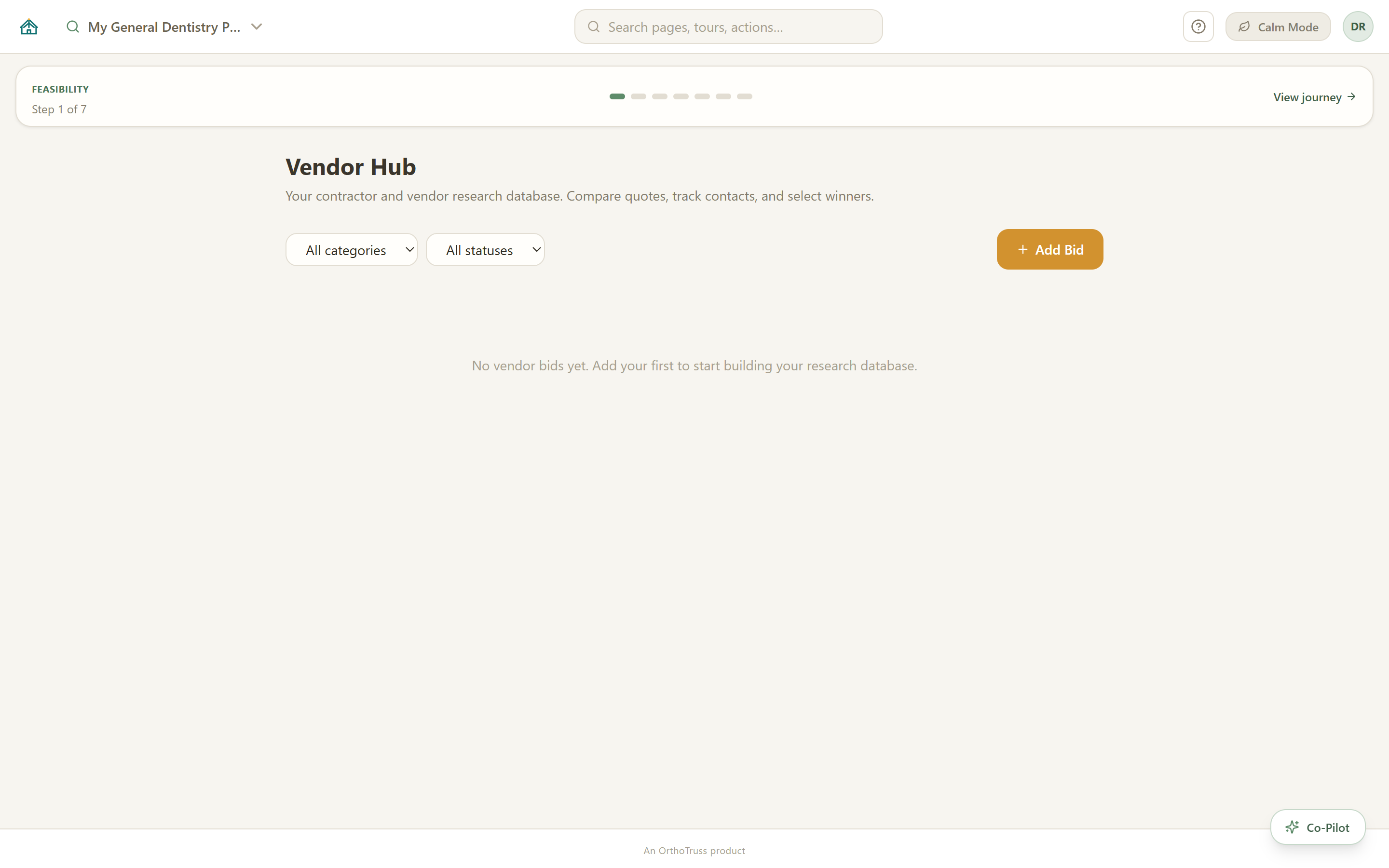
Screenshots include no-cost and Pro tools, captured from Practice Pioneer 2.0.9 on 2026-10-13 with a sample project; Scorecard and Plan vs. Actual show sample monthly entries. See Pricing for the capability comparison. Select an image to open it at full size.
See plans & pricingTHE NEXT CHAPTER · PLANNED
The direction formerly called Practice OS: a planned extension for understanding your market and reviewing change over time. Currently parked and not available for purchase.
BEFORE OPENING
Sourced population, workforce, and market context to support location research and questions worth investigating. The intended workflow helps you interpret a place; it does not predict demand or a practice’s payer mix.
Get Market Signals updates ↗AFTER OPENING
Deliberate check-ins: save selected planning indicators and notes, then compare them over time. The planned workflow is manual and local, with no continuous monitoring or automatic refresh.
Get Practice Pulse updates ↗Pioneer Pro’s Health Scorecard and Plan-vs-Actual remain separate from this planned extension.
Follow the whole Pioneer Signals vision ↗A SEPARATE EXPLORER · IN DEVELOPMENT
A planned browser experience for discovering dental roles and comparing employment opportunities with market context. The intended experience links back to the original source to verify details and apply. It is separate from Practice Pulse.
Get Dental Opportunity Explorer updates ↗Download the no-cost Windows program, link a local desktop profile to your Pioneer web account, then choose a Monthly or Annual Pro plan. The free Browser Roadmap at pioneer.orthotruss.com needs no account and no download.
Windows program
$0
Download once and keep planning in one local project. No credit card, no subscription. The program updates itself.
Windows 10/11. No credit card.
Signed updates verify their origin. Windows publisher signing is separate; the current installer is unsigned.
Pioneer Pro
$100 / month
Or $1,000 per year, plus applicable tax. Link a local desktop profile to your Pioneer web account, then choose Monthly or Annual. New dental graduate? 6 months free ↗.
Checkout requires a payment method and acceptance of the current terms. Cancellation takes effect at the end of the paid period.
Location Scout
$150 / 60 days
Web-only market research for the location decision, with an account, saved searches, and a sourced shortlist. Applicable tax is added at checkout.
Ready to evaluate a site? Explore Pioneer Pro for candidate-site comparisons, lease analysis and cash-flow planning in the Windows app. Scout and Pro are separate purchases; Scout research does not transfer automatically.
Except where required by law or to correct a billing error, Scout purchases are final.
Three ways to use Practice Pioneer
Linking Pro to your account does not sync projects between these surfaces, and Location Scout research does not transfer automatically. All prices plus applicable tax.
| Capability | No cost | Pro |
|---|---|---|
| Foundation | ||
| Practice projects | 1 | Unlimited |
| Onboarding and personalized roadmap | ✓ | ✓ |
| Global Checklist and guided walkthroughs | ✓ | ✓ |
| Automatic encrypted backups and project recovery Windows app open · NTFS drive |
✓ | ✓ |
| Market and location | ||
| Feasibility analysis | ✓ | ✓ |
| Feasibility and project roadmap | ✓ | ✓ |
| Where to Practice county ranking and nationwide browsing | — | ✓ |
| Candidate sites and per-address decision reports | — | ✓ |
| Referral Network | — | ✓ |
| Planning and launch | ||
| PPO Fee Analyzer and Credentialing | ✓ | ✓ |
| Vendor Hub, Documents, and Blueprints | ✓ | ✓ |
| Budget and Equipment, Real Estate, and Build-Out | — | ✓ |
| Cash-Flow, Lease Analyzer, and Lender Package | — | ✓ |
| Branding, Digital Presence, Operations, and Compliance | — | ✓ |
| Marketing, Hiring, and Launch Readiness | — | ✓ |
| Health Scorecard and Plan-vs-Actual | — | ✓ |
| Design and Floorplan guidance | — | ✓ |
| AI and connected services | ||
| Offline guidance and bring-your-own-key AI | ✓ | ✓ |
| Hosted AI Copilot and cash-flow what-if scenarios | — | ✓ |
| Market Signals and Practice Pulse | — | Not included in Pro. Pioneer Signals is planned separately. Get updates ↗ |
Pioneer Pro is a monthly or annual subscription. Cancellation is scheduled for the end of the paid period, and local data remains on your computer. Read the Terms.
Pioneer Pro is $100/month or $1,000/year, plus applicable tax. Location Scout is $150 for 60 days. Read the subscription schedule. See how Practice Pioneer compares with DentaGraphics and Dental Radar.
One project with onboarding, Feasibility, market data, the global Checklist, Credentialing, Vendor Hub, Documents, Blueprints, the PPO Fee Analyzer, guided navigation, and offline or bring-your-own-key AI guidance. No credit card is required.
The no-account Browser Roadmap is a device-local startup board with export and create-new import. Location Scout is a separate 60-day web product with an account, market research, and a saved shortlist. Both browser options are available at pioneer.orthotruss.com. The Windows app remains the complete local planning workspace.
No. A new $150 Location Scout purchase provides 60 days of access and does not include a Pioneer Pro credit. Pioneer Pro is separately priced at $100/month or $1,000/year, plus applicable tax. Choose Monthly or Annual in your Pioneer web account. Credits already earned under an earlier purchase remain subject to their accepted terms. Except where required by law or to correct a billing error, Scout purchases are final.
No. Where to Practice can load county and city Census demographics through the built-in connection. Adding your own Census key remains optional.
Pioneer Pro is $100 per month or $1,000 per year, plus applicable tax. Download the Windows app and link a local desktop profile to your Pioneer web account, then choose Monthly or Annual.
The Copilot can use your saved plan, the app's calculations, and supported published benchmarks. Sources and planning assumptions are shown when available. Check the supporting evidence and review important figures before using an answer to make decisions.
Core project data stays on your PC. Encrypted backups go to the NTFS folder you choose while Pioneer is open; the file and its password let you restore projects and attachments on another Windows computer. No cloud account is required for these backups. Updates, licensing, hosted AI, support, and requested market or location data use network services as described in the Privacy Policy.
General dentistry, orthodontics, pediatric dentistry, endodontics, periodontics, oral surgery, prosthodontics, and multi-specialty practices.
Windows 10 or 11. Download at no cost to confirm it works on your computer. Link a local desktop profile to your Pioneer web account, then choose a Pro plan.
No. The Windows program checks for updates automatically. The app verifies its update feed cryptographically, but the Windows installer is not publisher-signed. Windows may warn about an unknown publisher or block installation under Smart App Control. Updates are designed to retain your local projects. Keep a recent project backup before installing an update. Windows project backups and Browser Roadmap JSON recovery files are separate.
Pioneer Signals is the planned umbrella for Market Signals before opening and Practice Pulse check-ins afterward. These features are not currently sold. Join the relevant update list to hear about progress and availability.
Get Pioneer Signals updates ↗FOLLOW WHAT’S NEXT
Choose a planned feature or general Pioneer updates. Joining requests email updates; it does not reserve access or start a subscription.